AI Author Mapping
AI author mapping matches raw author names from literature records to a school, college, team, or expert roster. It is designed for locating internal publications, distinguishing same-name authors, and preparing researcher-level service reports.
Typical Input
- A literature dataset with author or corresponding-author records.
- A roster that contains standard names, departments, colleges, or other disambiguation clues.
- Institution and title information in the source data whenever possible.
Workflow
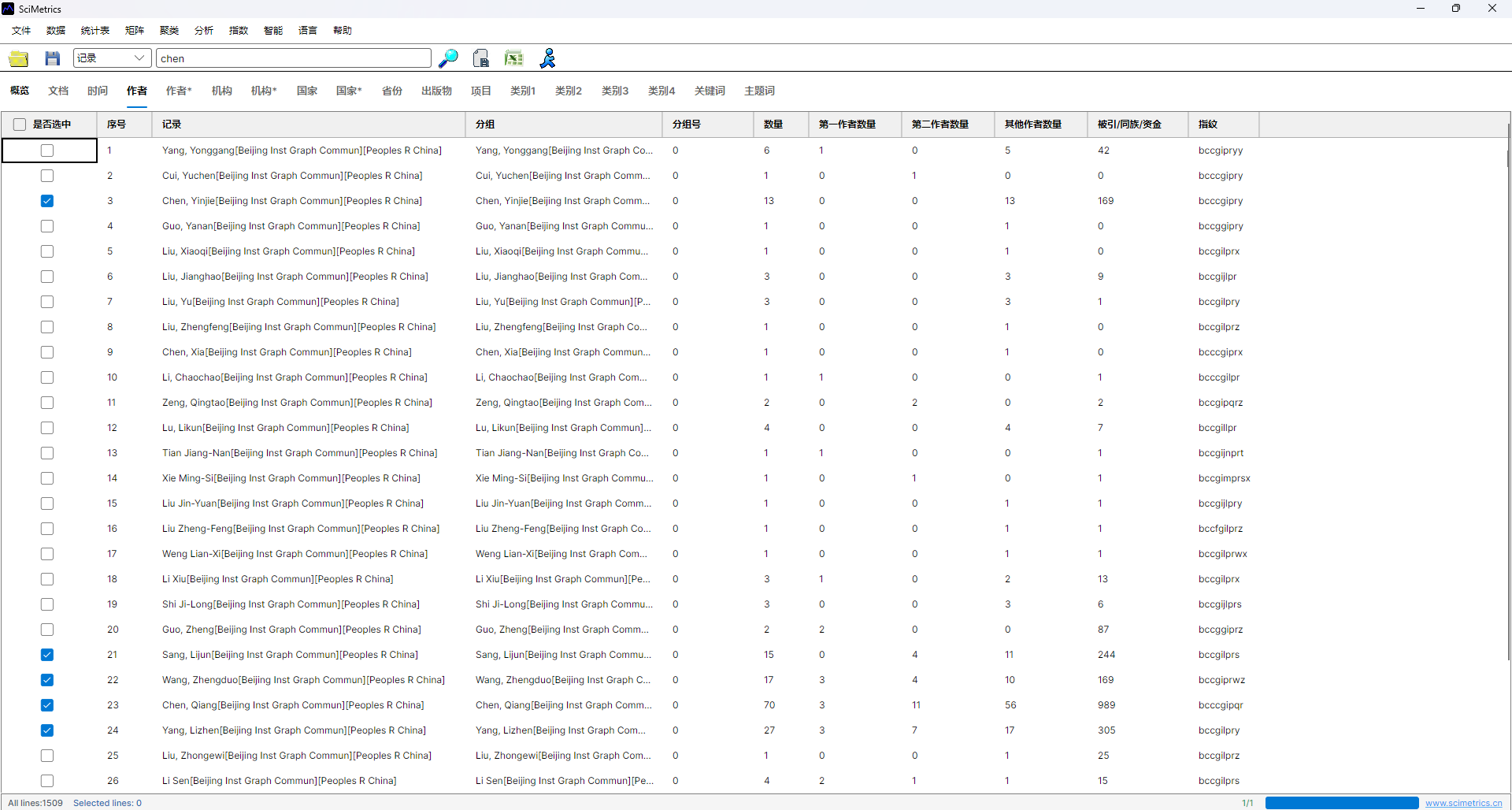
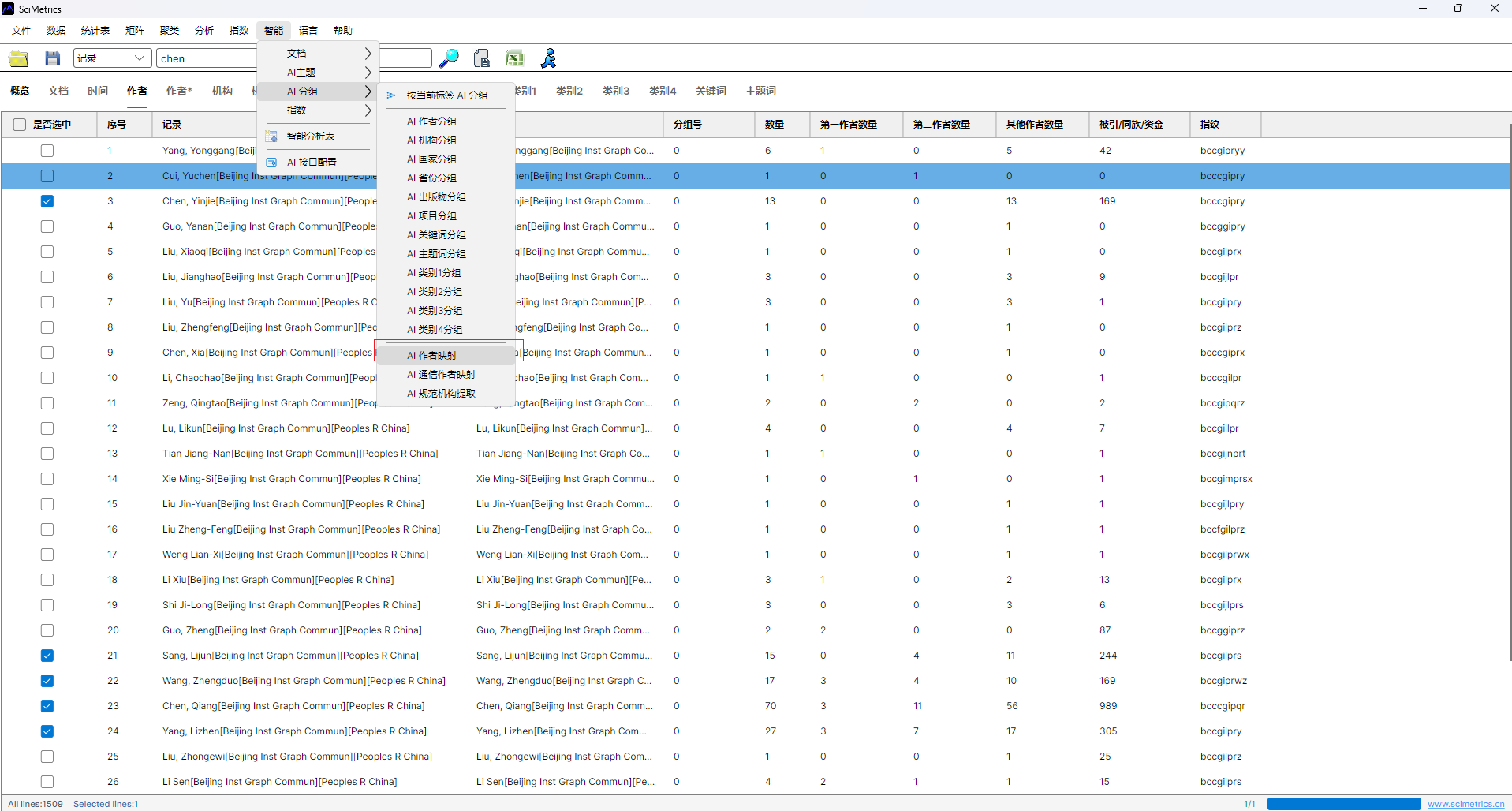
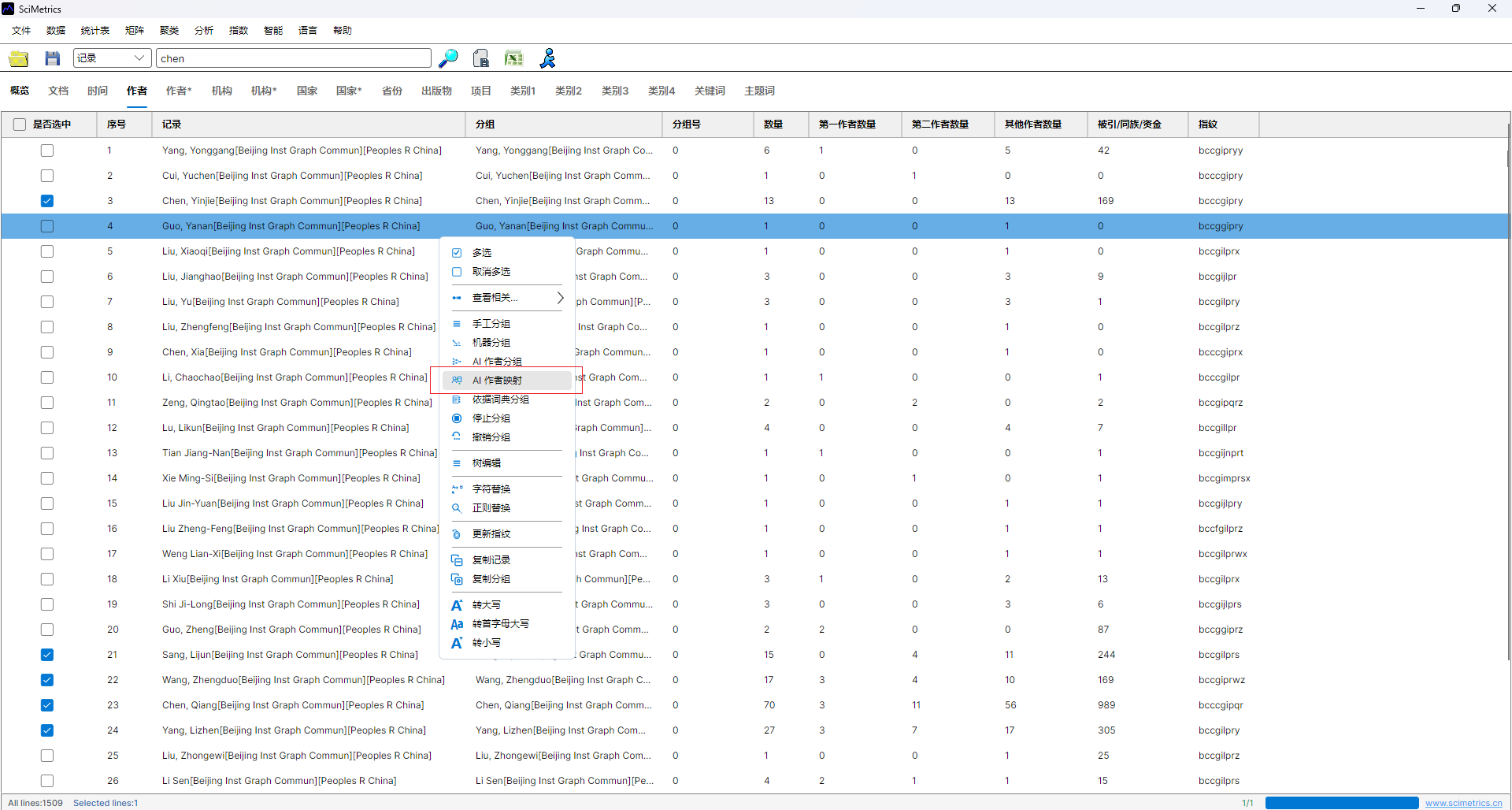
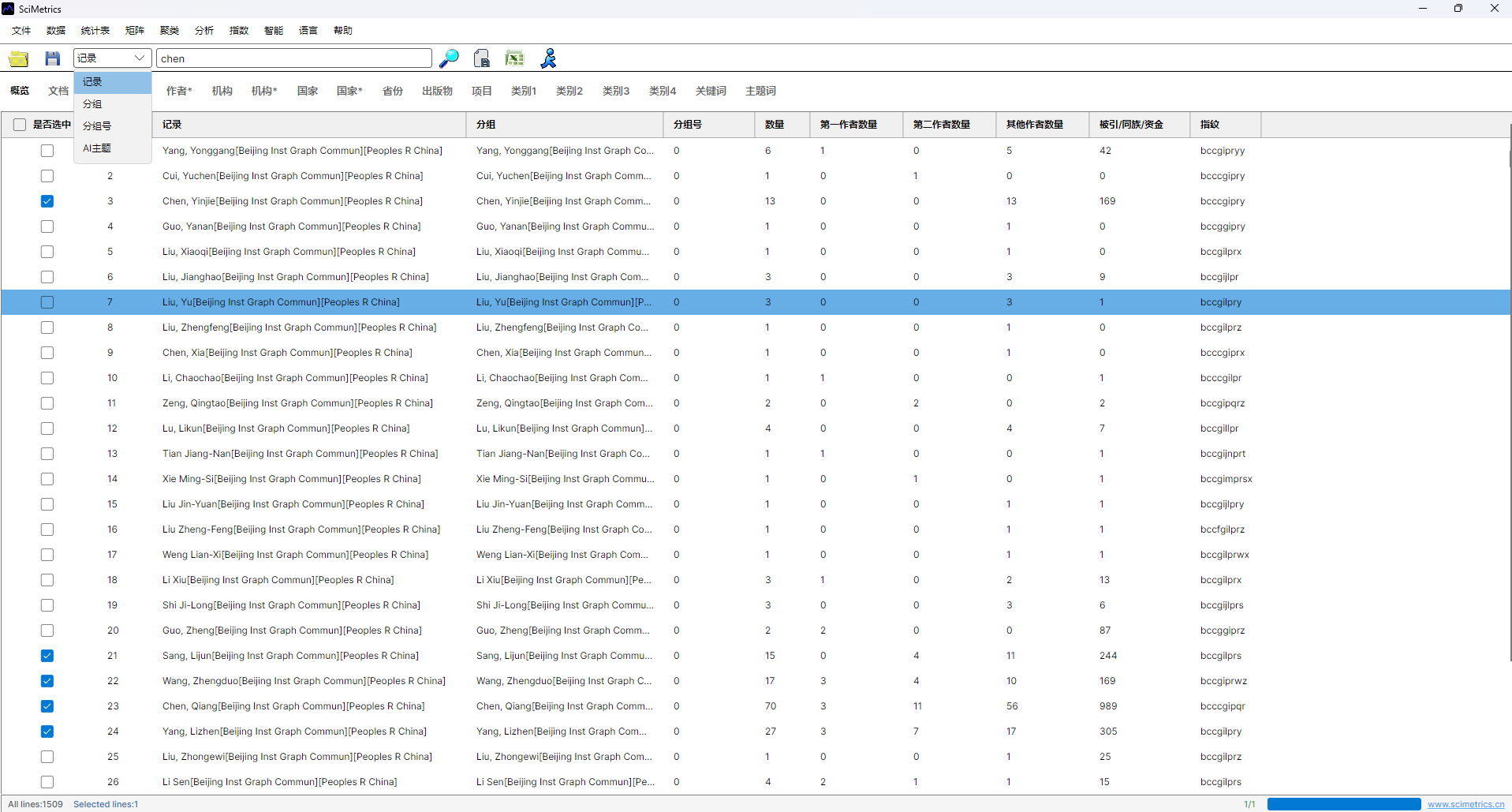
- Open the author table or corresponding-author table.
- Select the author records that need mapping.
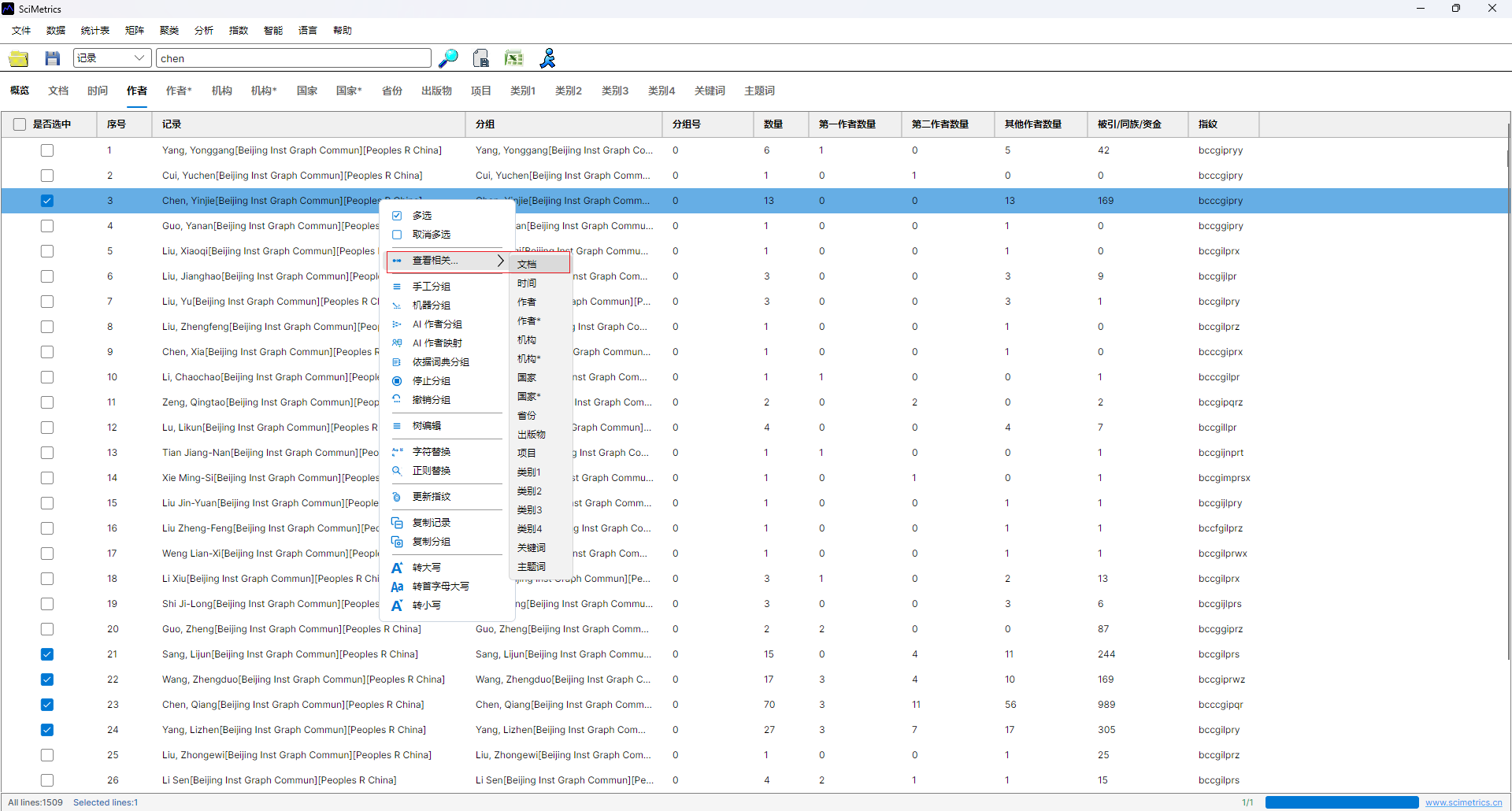
- Open
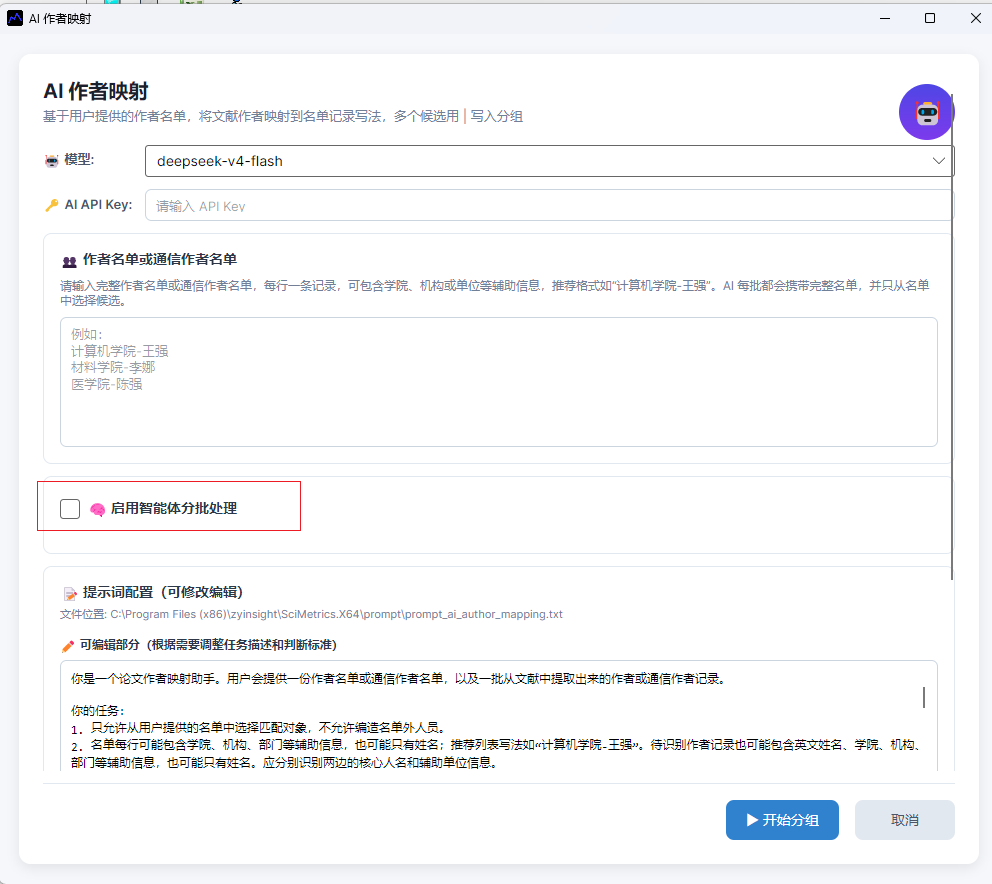
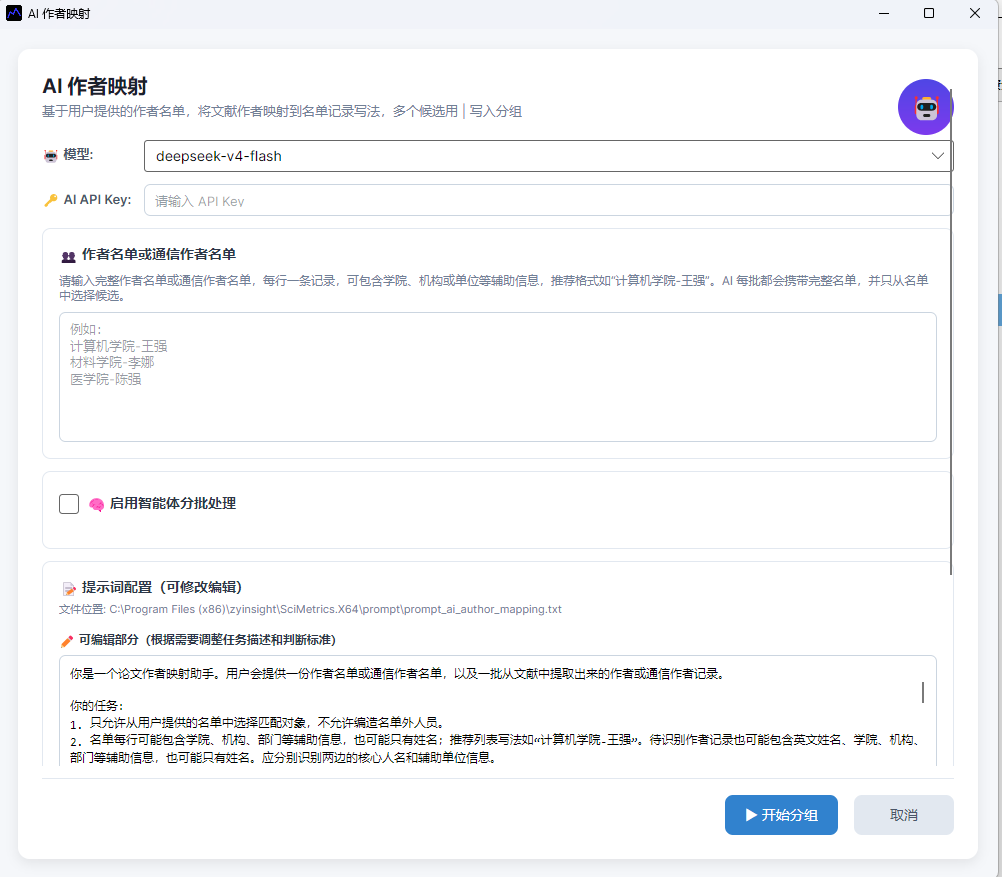
Intelligence -> AI Grouping -> AI Author Mapping, or use the author table right-click menu. - Select the AI model and API key.
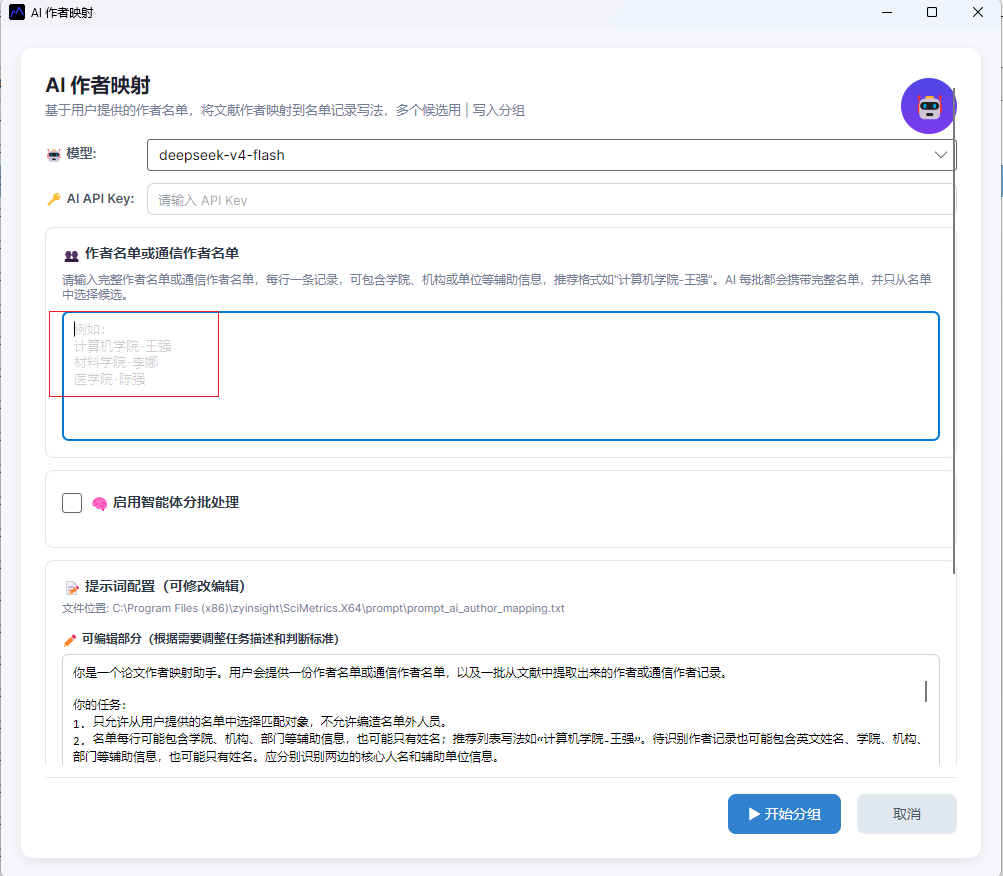
- Paste the standard roster.
- Enable batching when many records are selected.
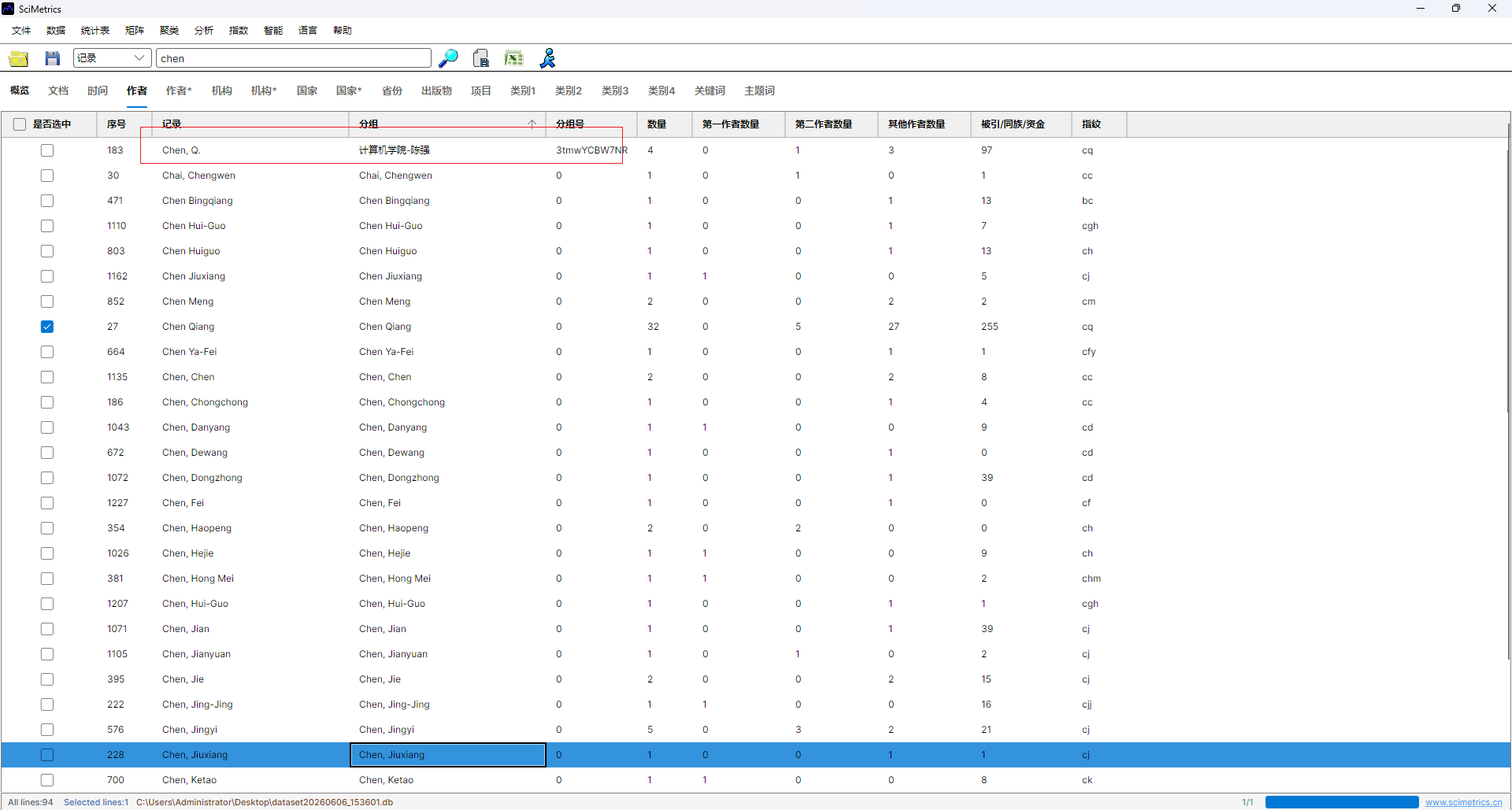
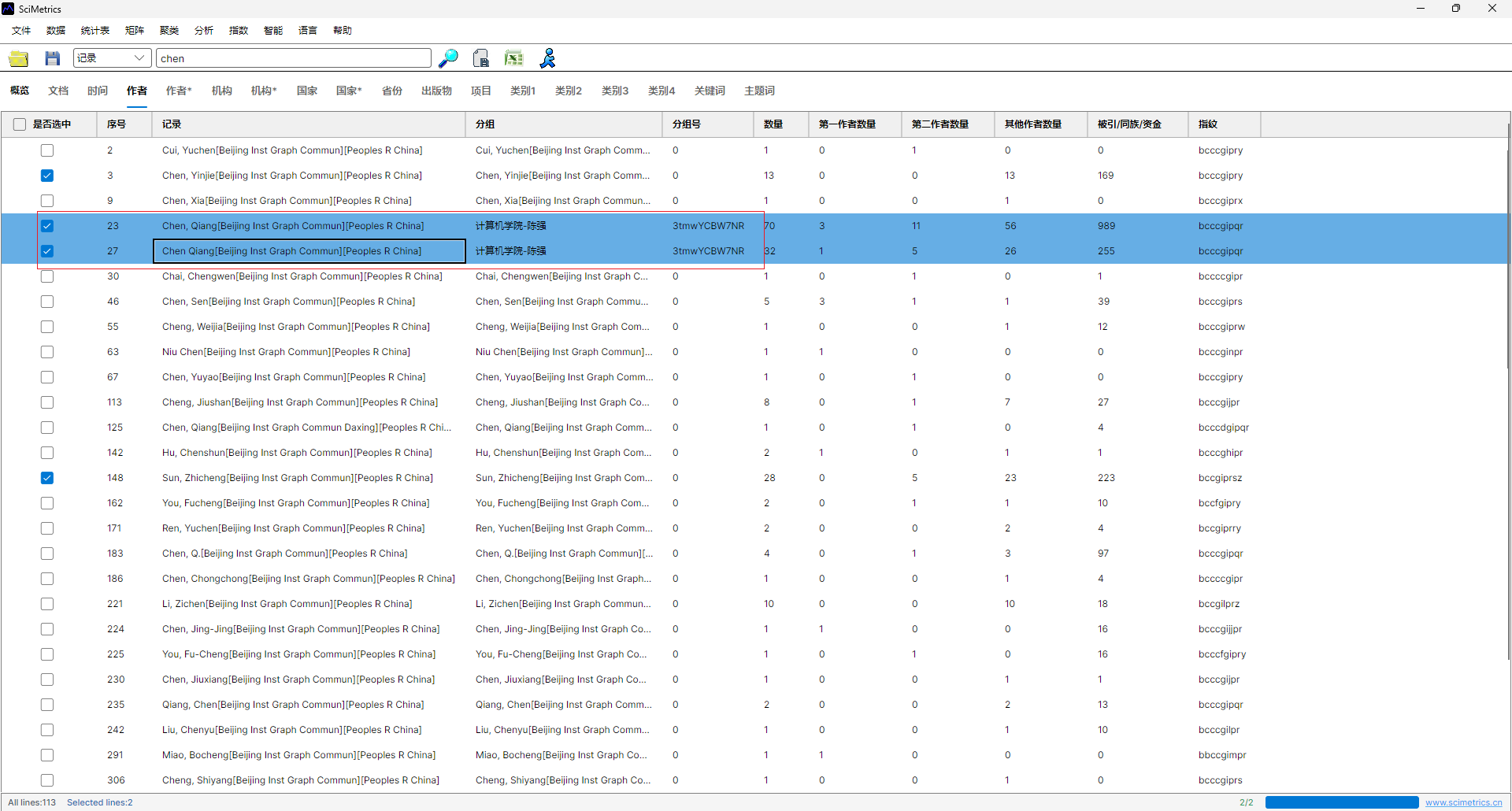
- Run the mapping and review the written-back fields.
Result Fields
| Field | Meaning |
|---|---|
Record |
Raw author expression from the source data. |
Group |
Standard roster identity chosen by AI. |
GroupId |
Mapping status, usually including matched, ambiguous, or model information. |
ParId |
Parent grouping information. |
Review Guidance
AI mapping improves efficiency, but author ownership should still be reviewed before formal delivery. Prioritize records with multiple candidates, short initials, missing institution data, same-name teachers, affiliated hospitals, joint appointments, or cross-college collaborations.
After review, use the Group field to locate publications, summarize output by college or teacher, and export evidence lists for service reports.
Interface Screenshots
The screenshots below are retained to verify menu entries, parameter settings, result views, and export locations.