AI Emerging Topic Identification and Visualization
This document explains how to identify emerging research topics from an imported literature dataset and render them as a visual paper map. It is useful for discovering recent active directions, representative papers, topic clusters, and papers with high novelty even when citation counts are still low.
Prerequisites
- A literature dataset with titles, years, citations, keywords, topic terms, references, or classification fields.
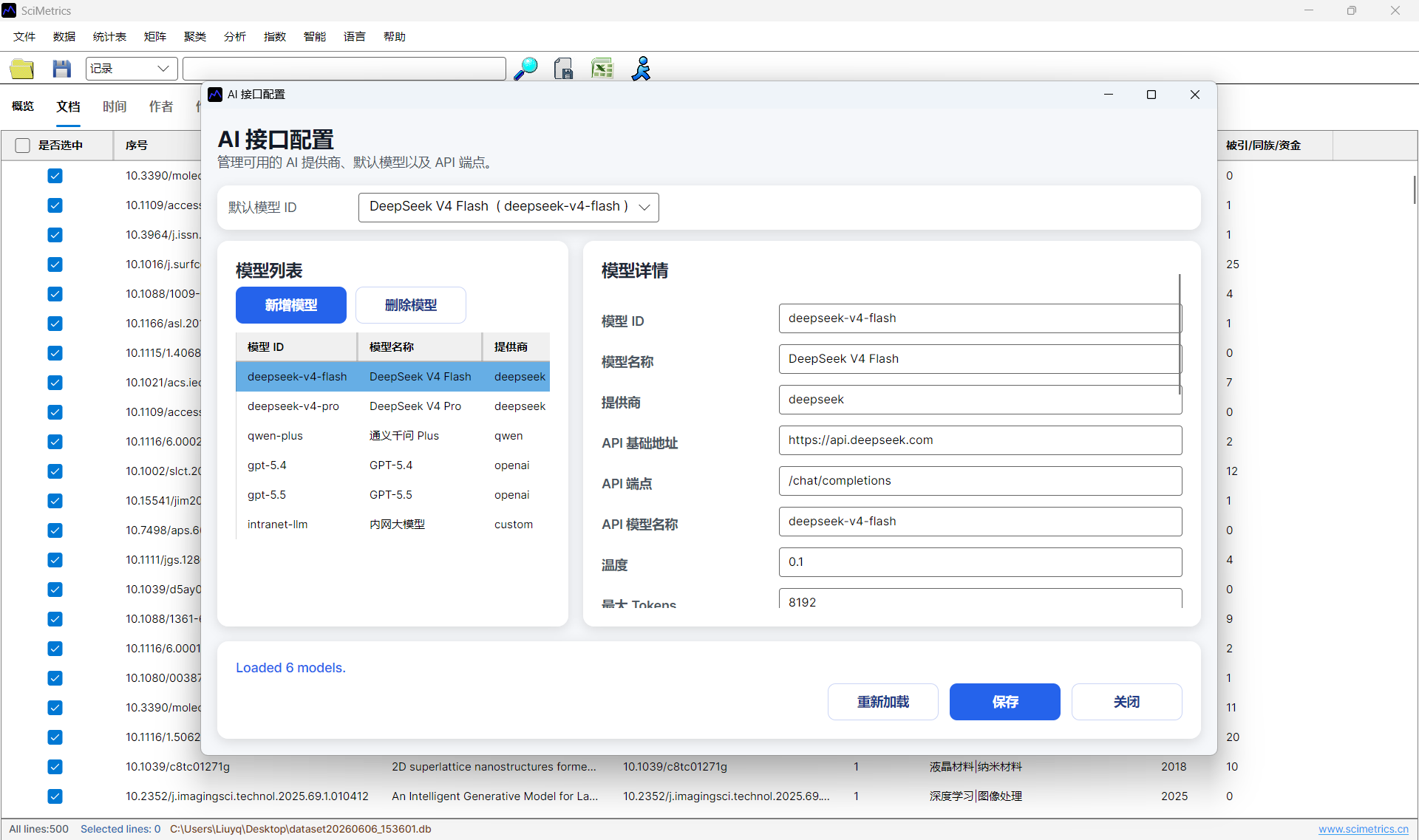
- A working AI model configuration for topic identification.
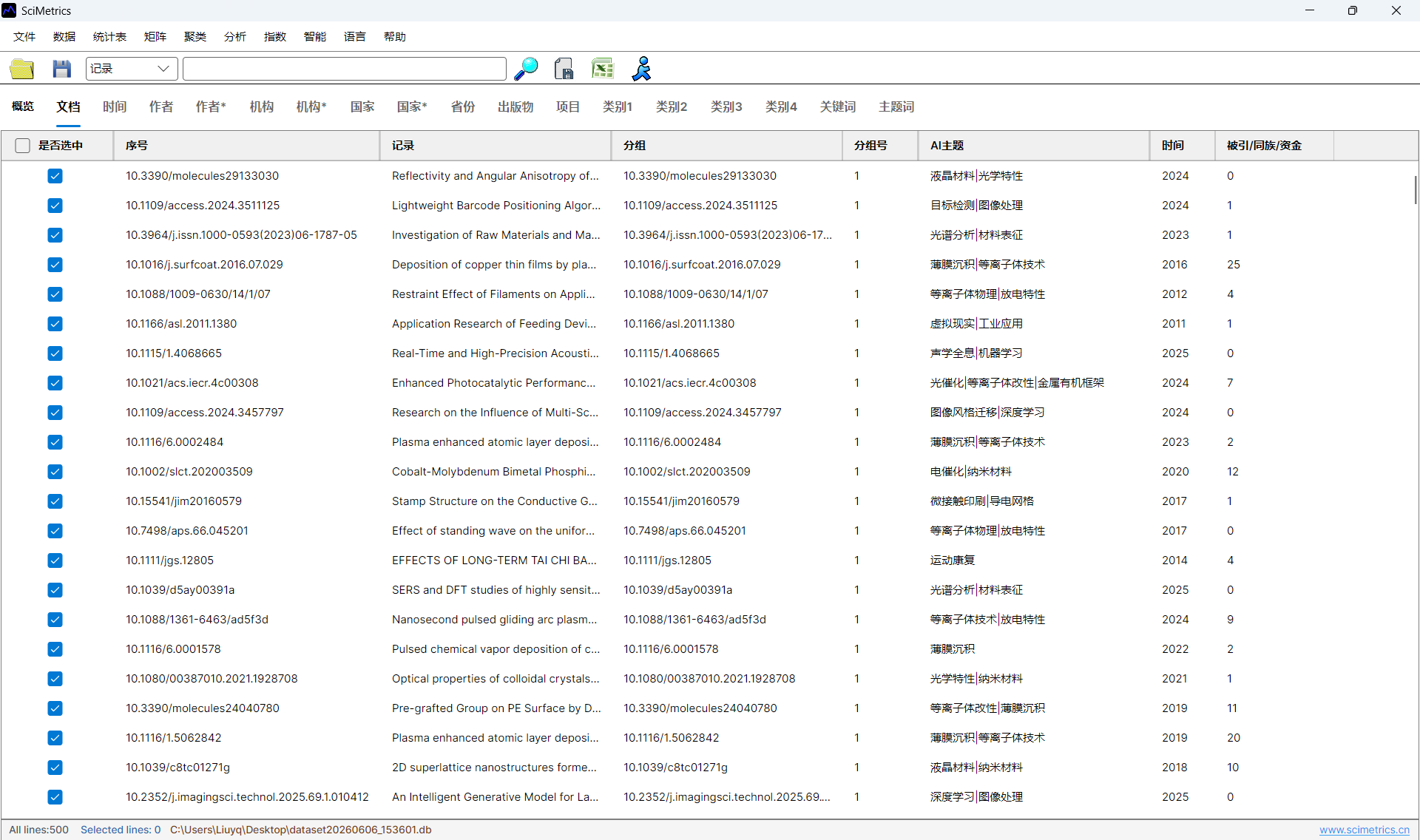
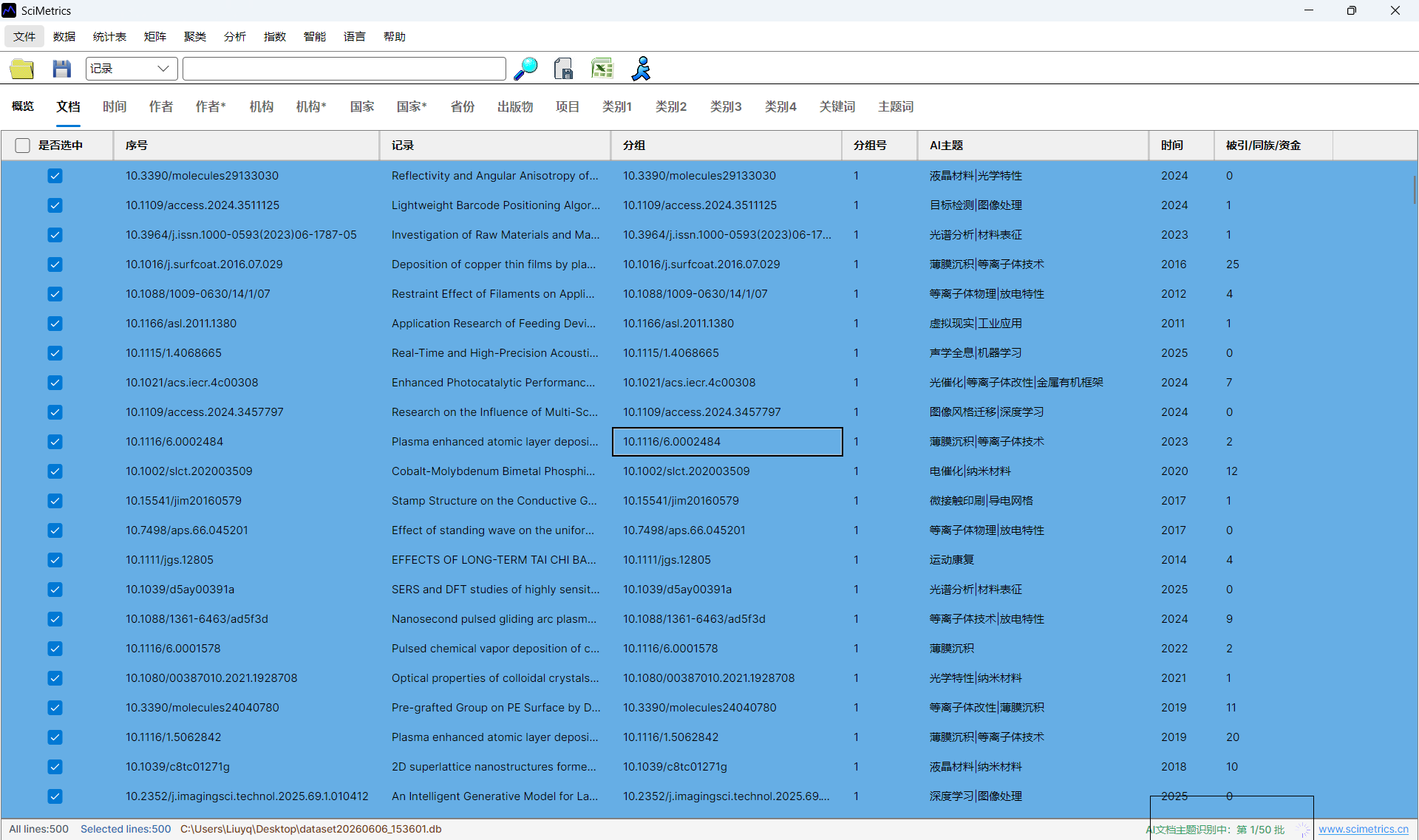
- AI topic labels generated or reviewed before visualization.
Workflow
- Open or import the dataset.
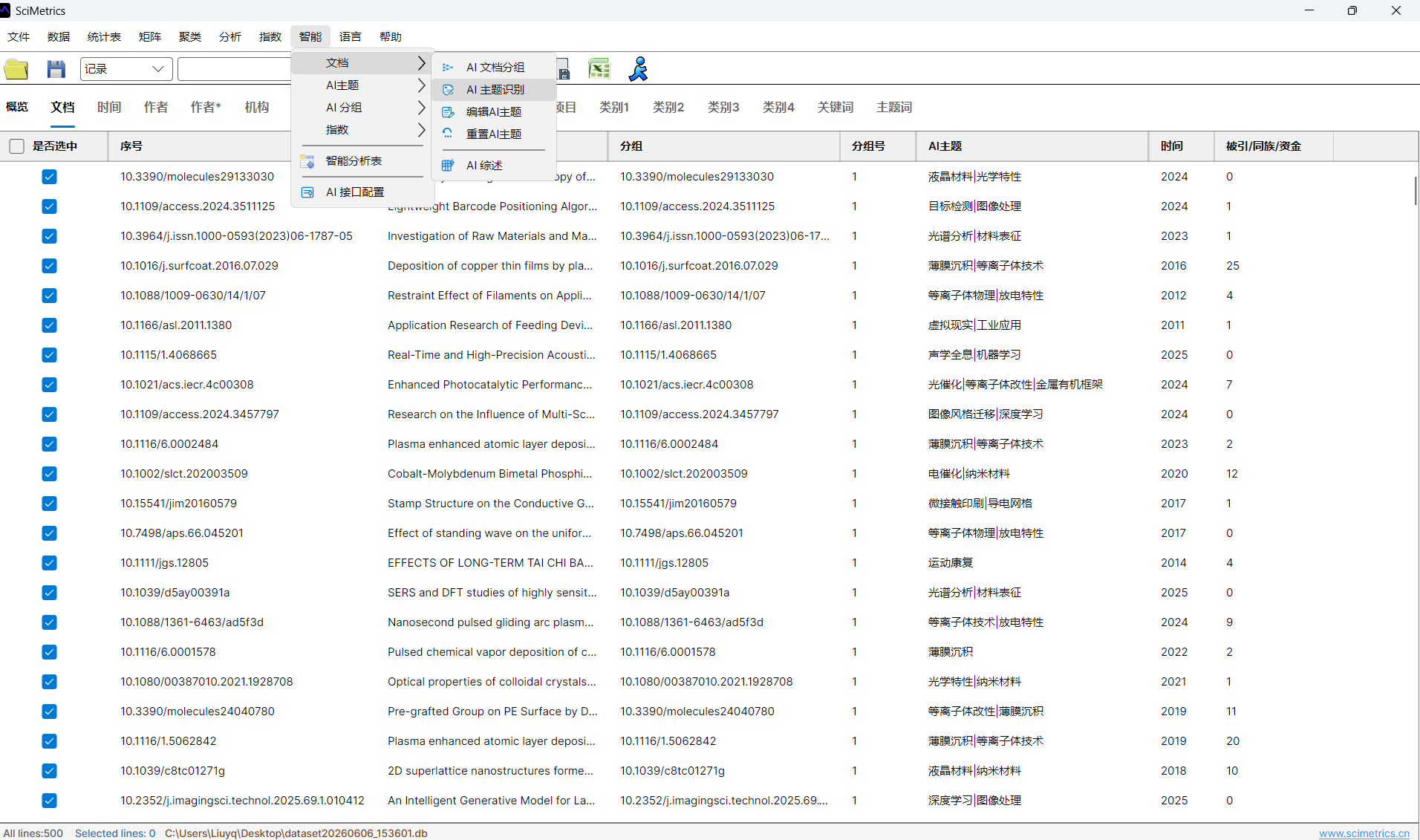
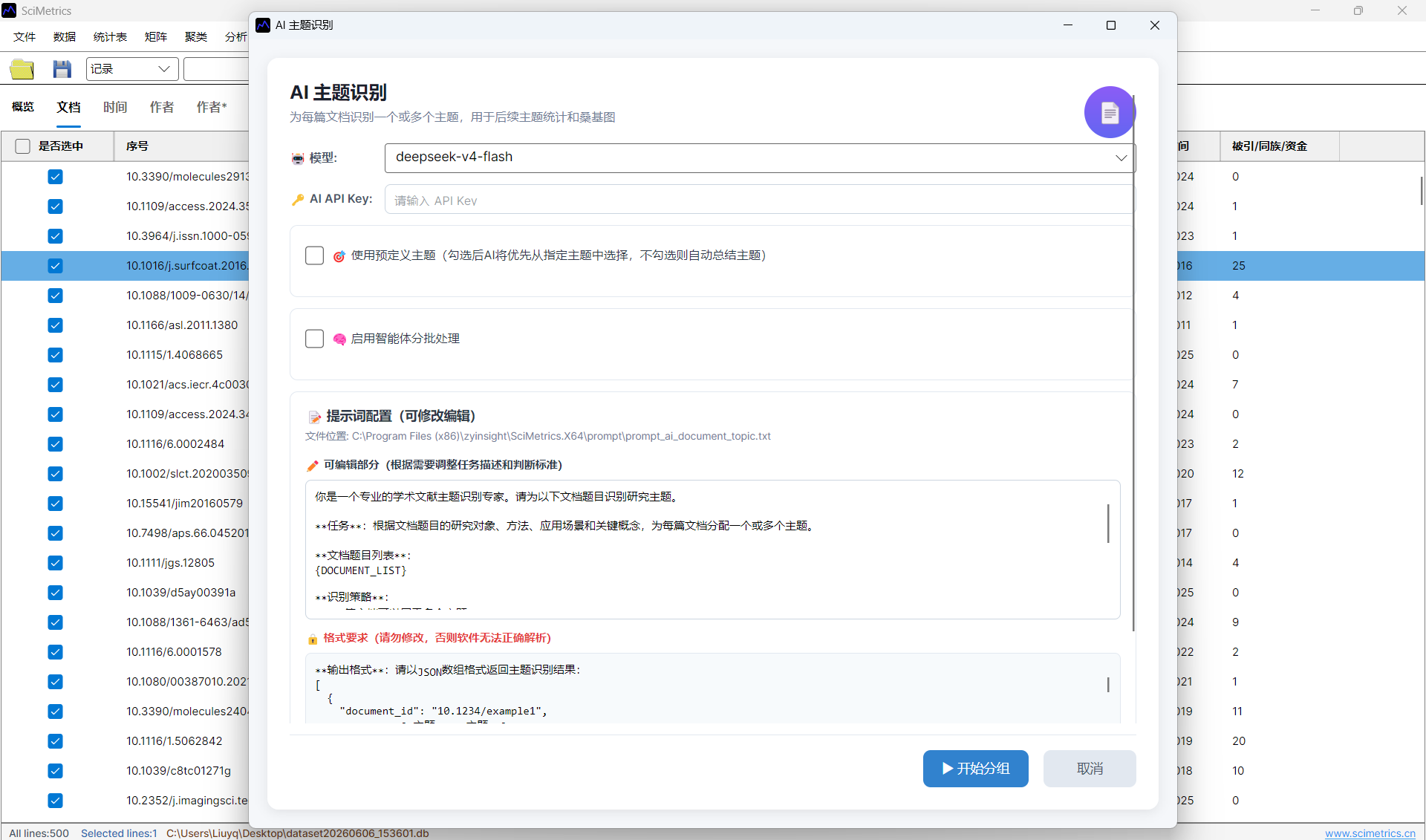
- Run
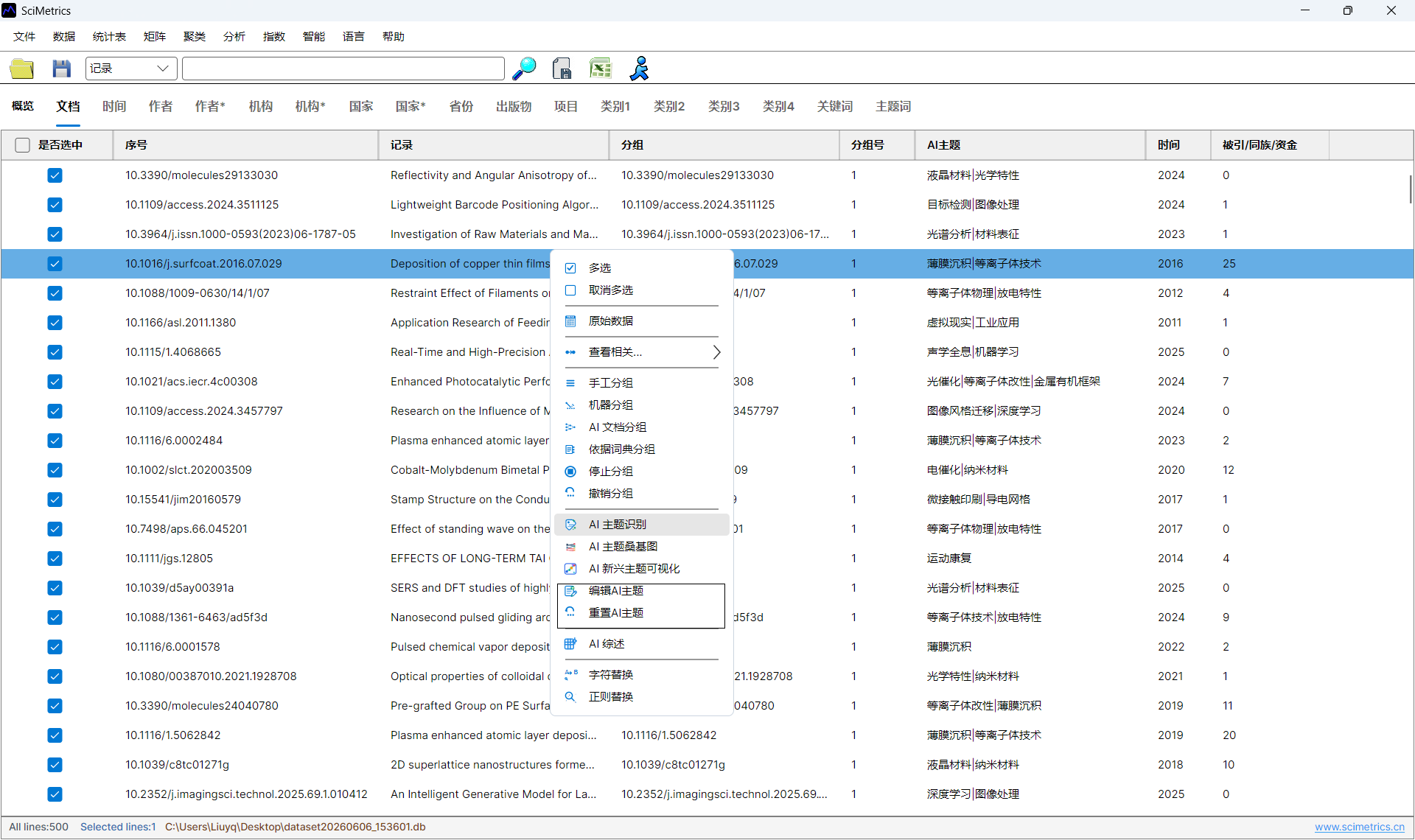
AI -> Document -> AI Topic Identification. - Review topic names and use
AI -> Document -> Edit AI Topicsif names need to be merged or corrected. - Open
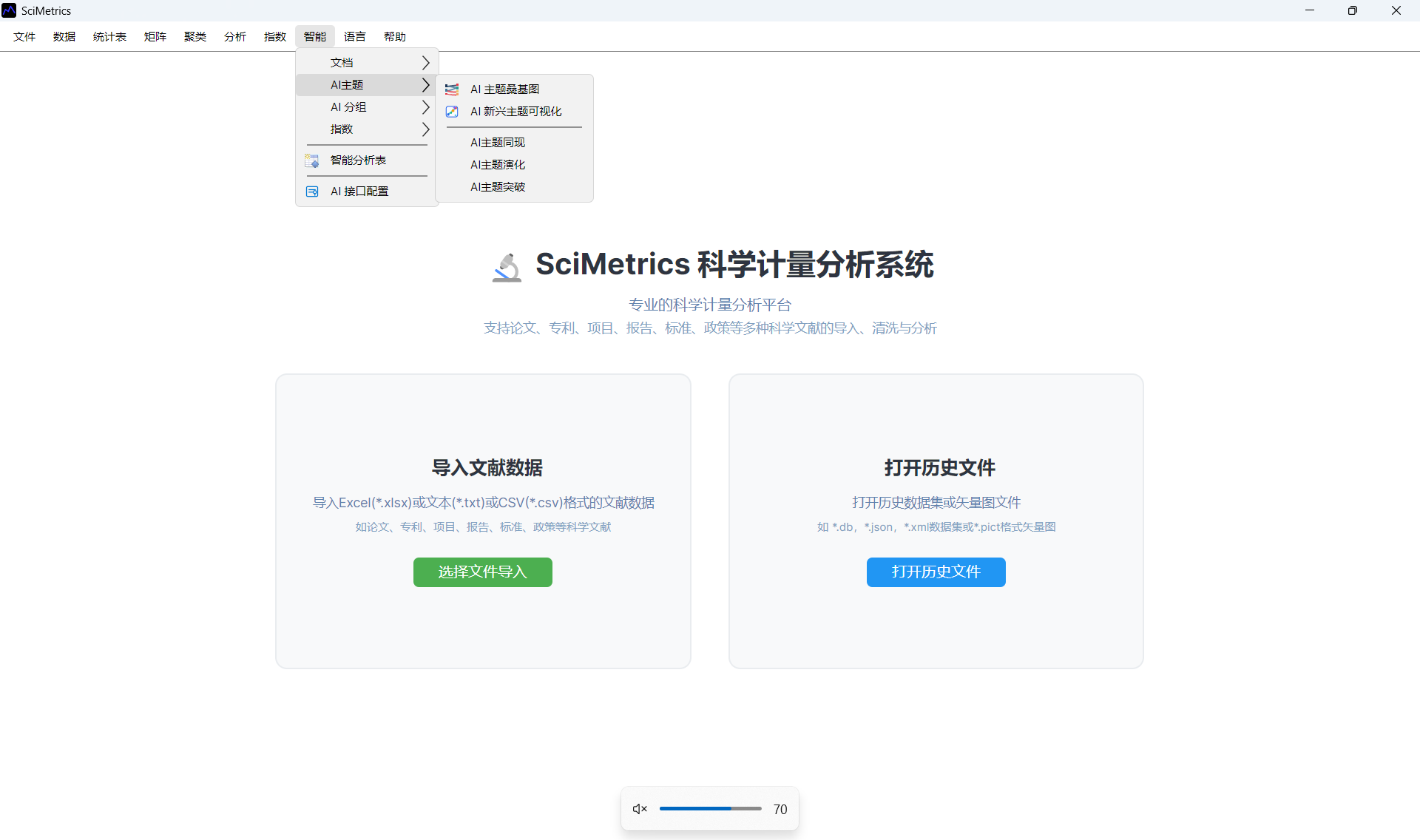
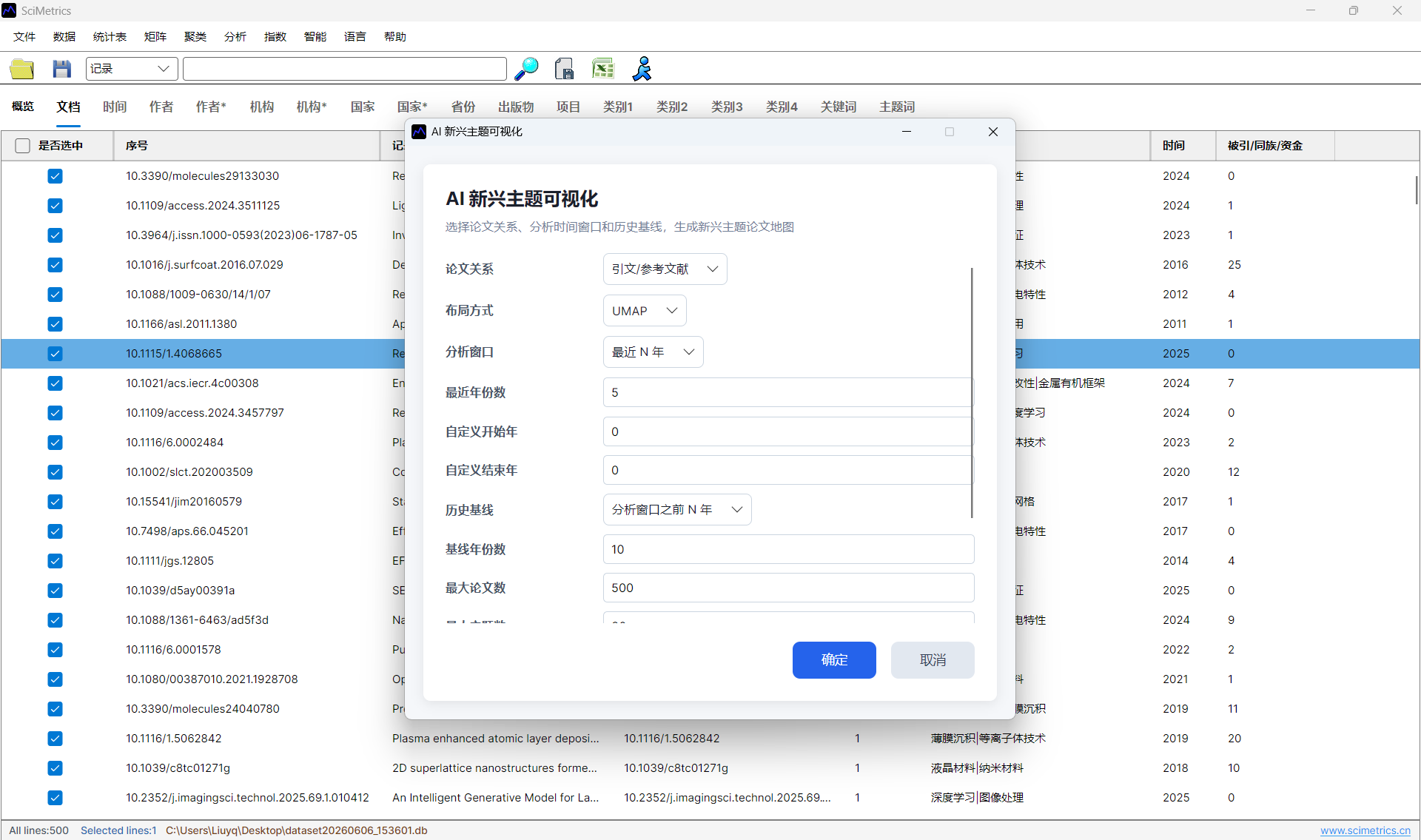
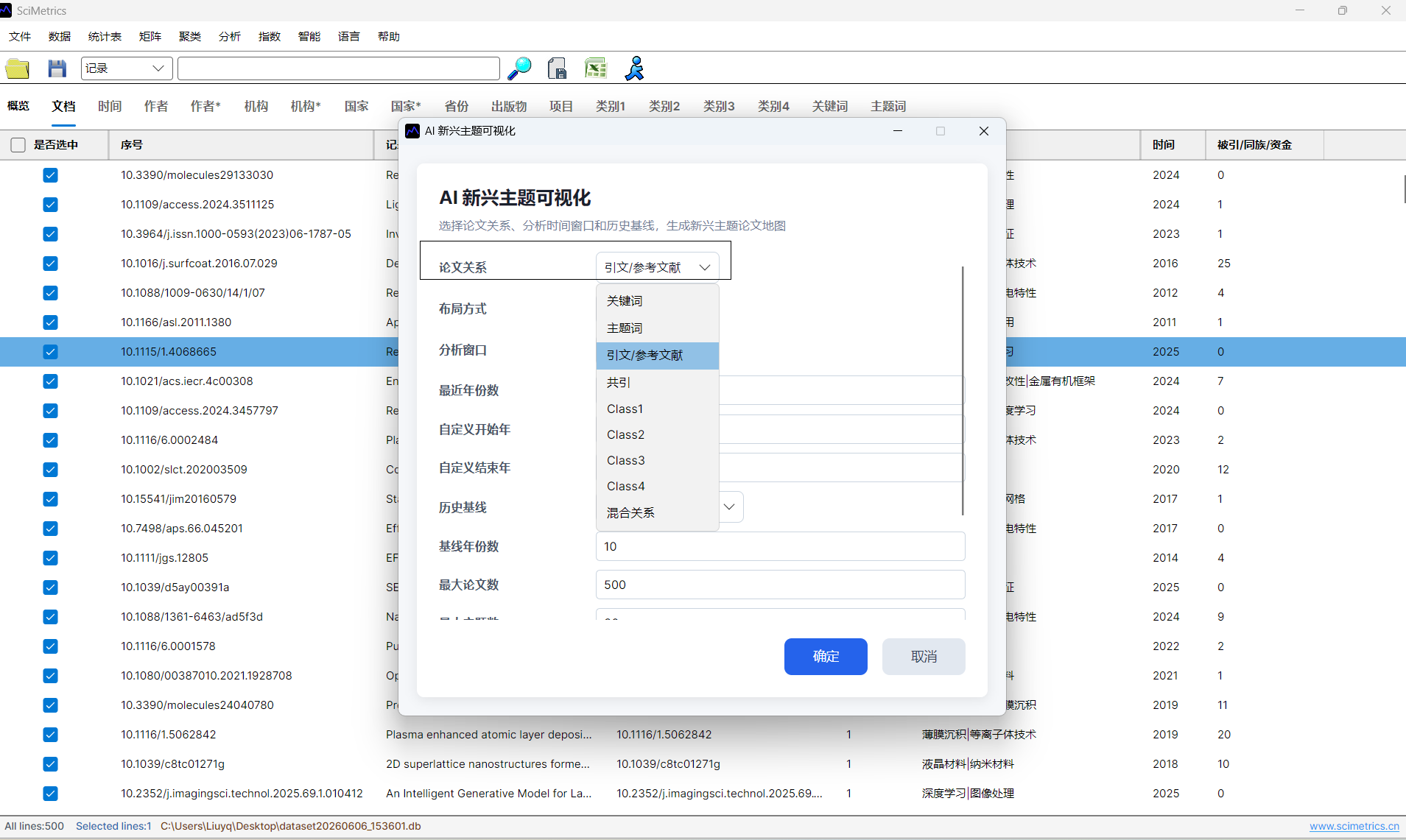
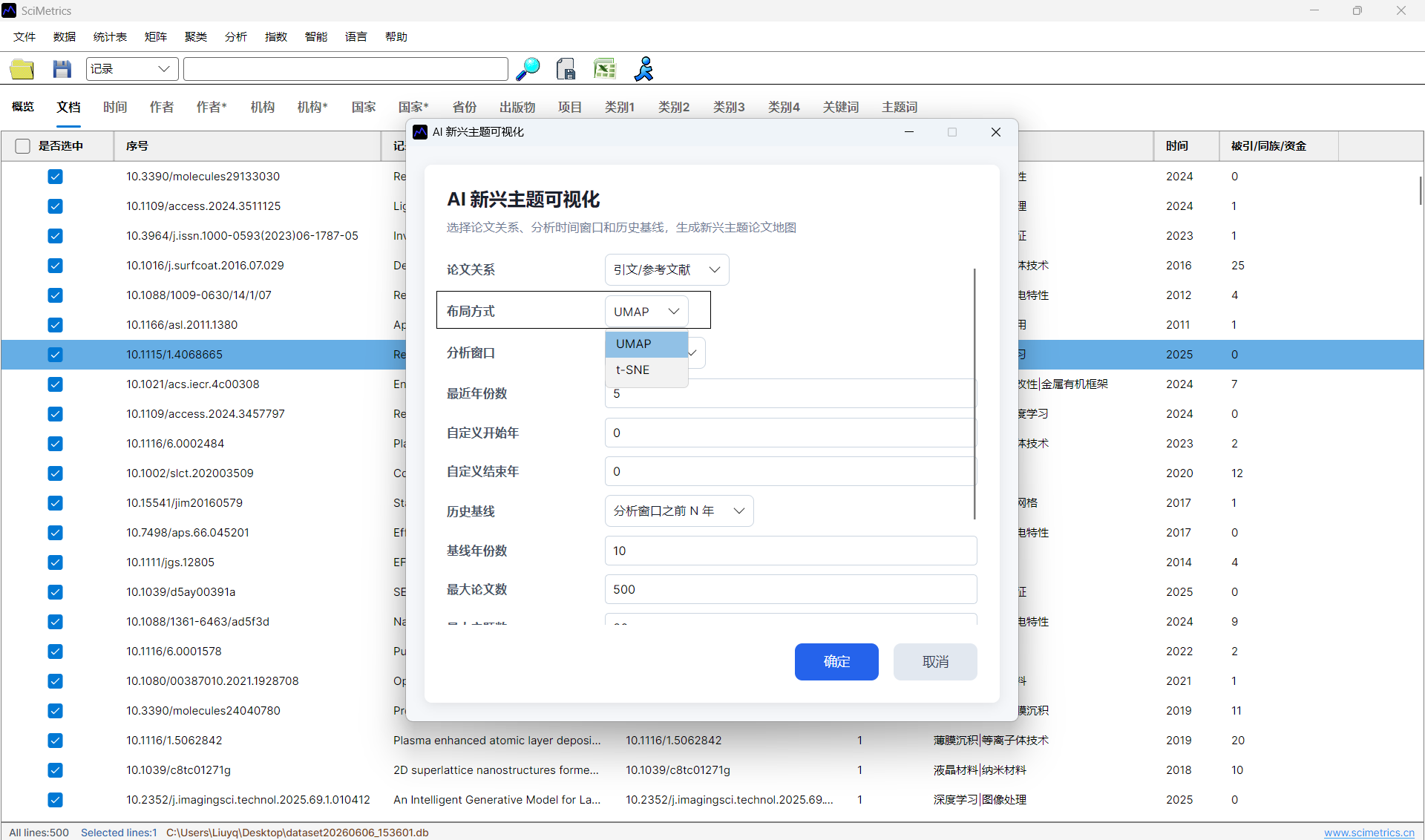
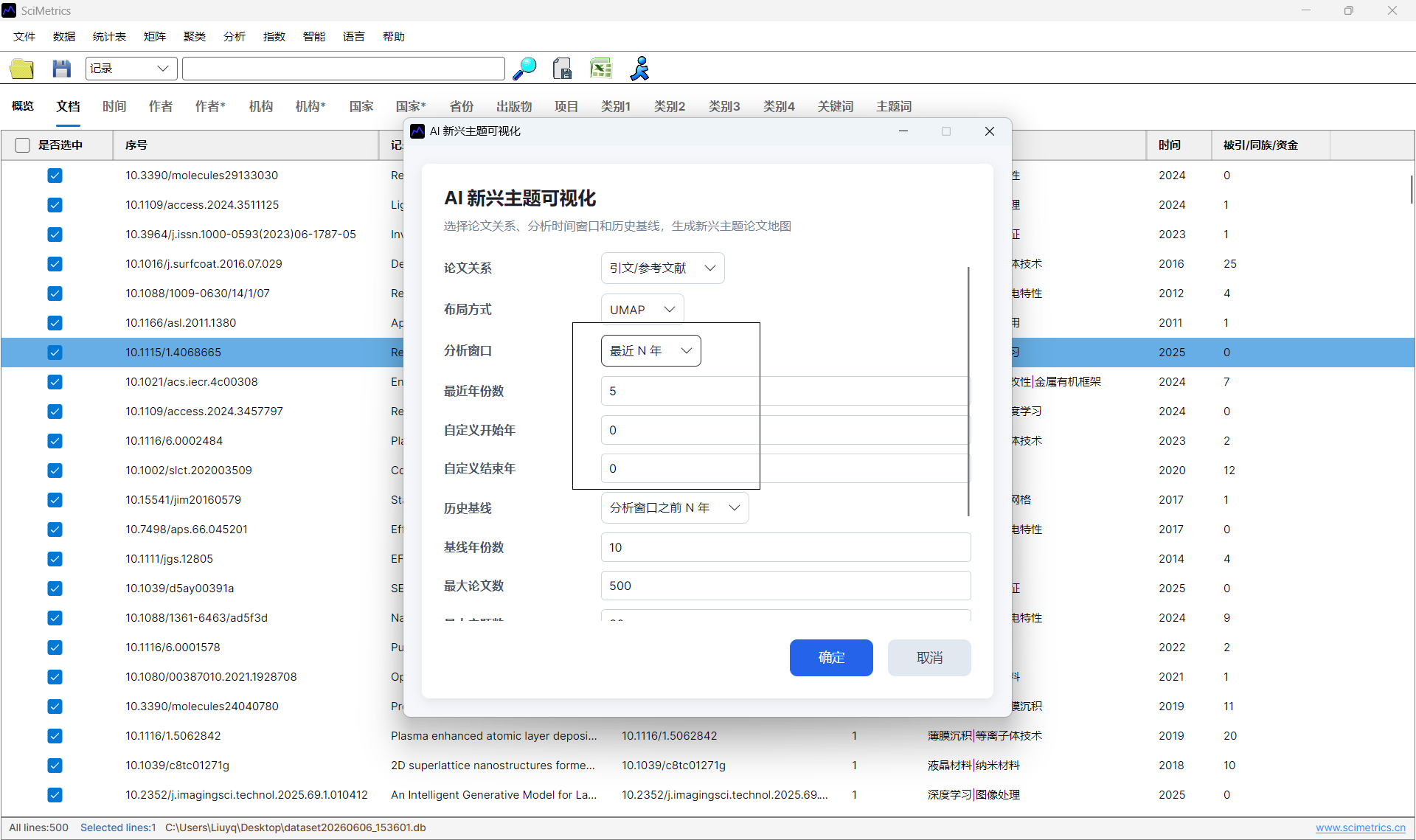
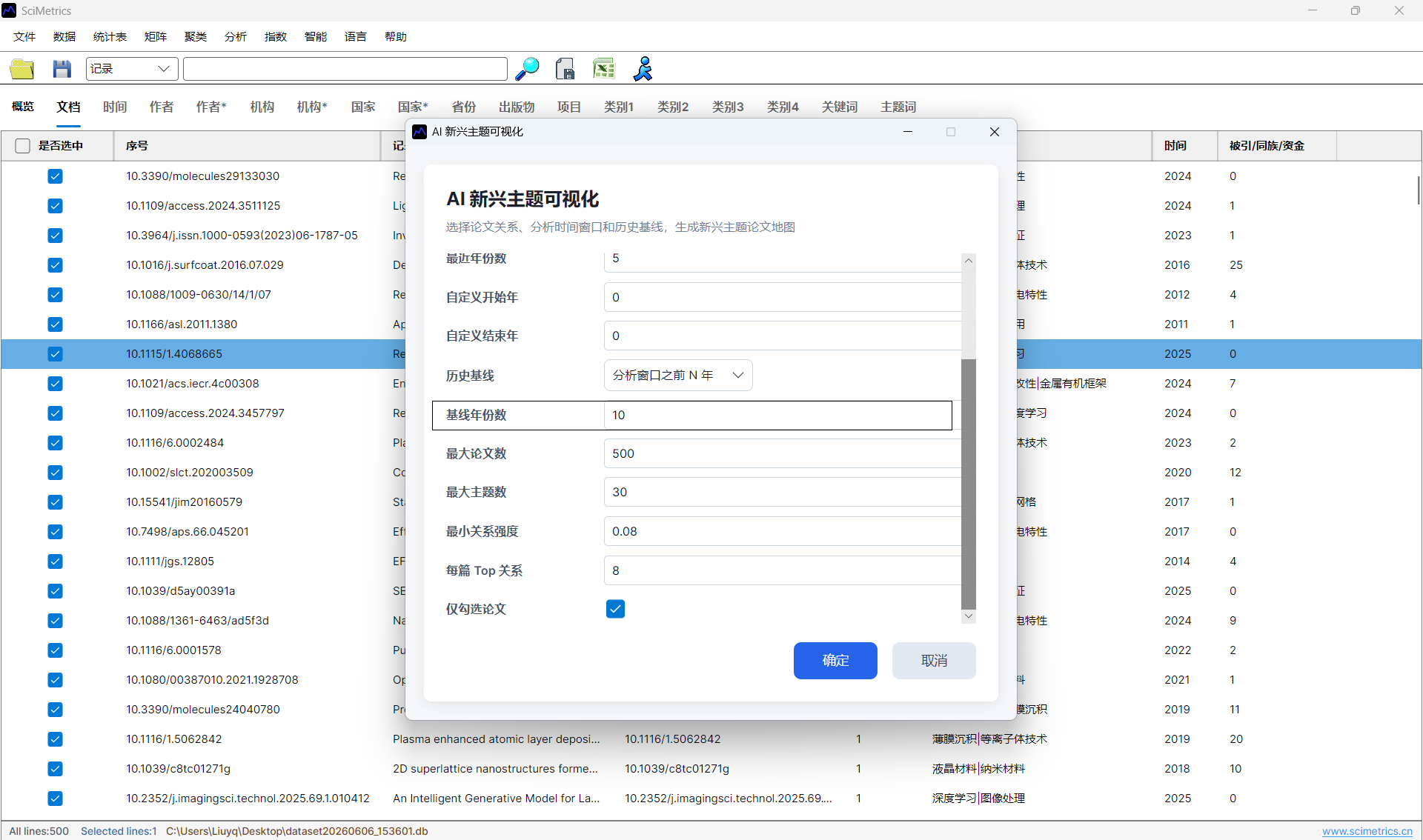
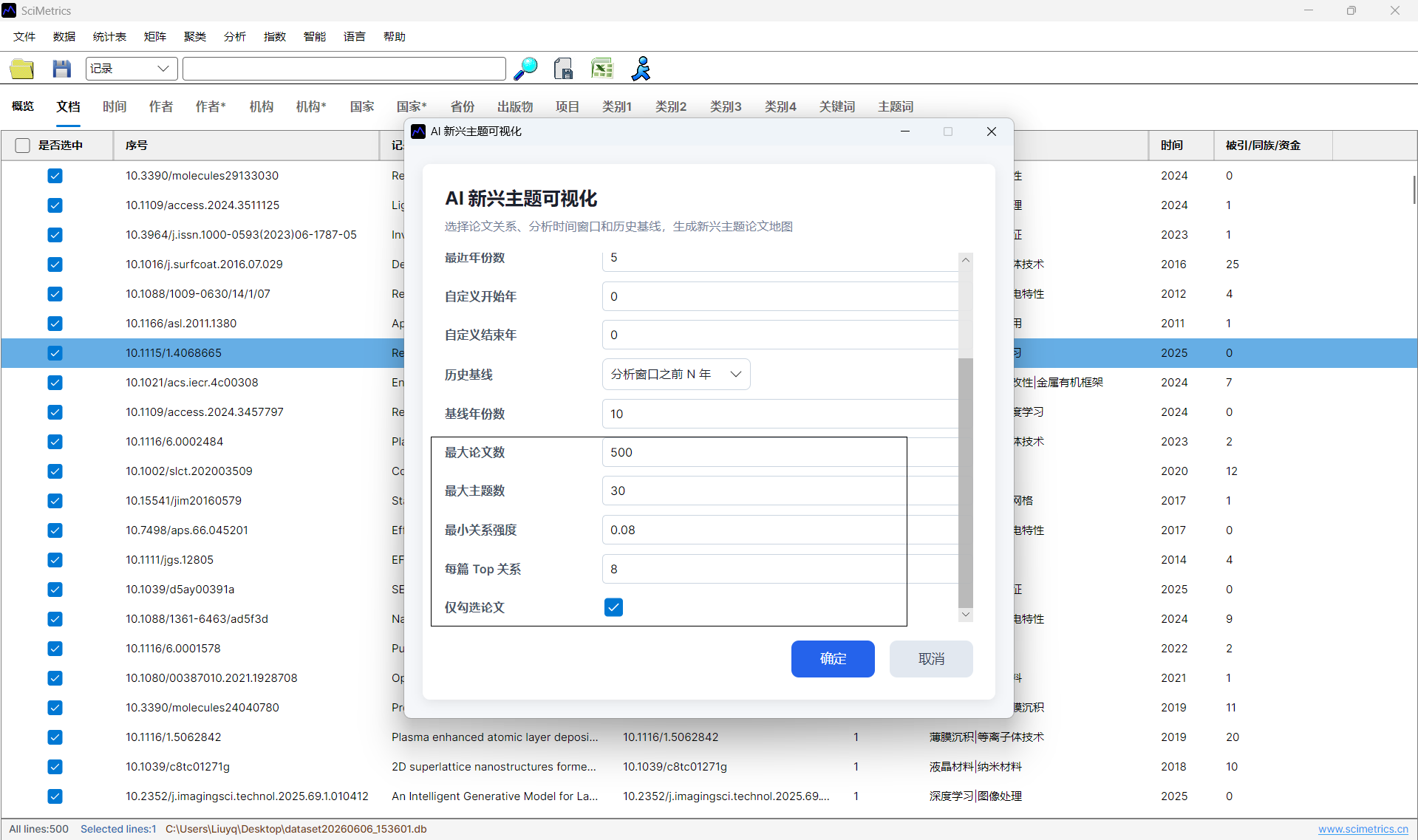
AI -> AI Topic -> AI Emerging Topic Visualization. - Choose the paper relation, layout method, analysis years, history baseline, maximum papers, and maximum topics.
- Generate the view and export the result if it will be used in a report.
Key Parameters
| Parameter | Guidance |
|---|---|
| Paper relation | Use references when citation links are complete; use keywords or topic terms when reference data is weak; use mixed relation for exploratory analysis. |
| Layout | UMAP is recommended for most datasets; t-SNE can be used to inspect local neighborhoods. |
| Analysis window | Use recent years when the goal is to find emerging topics. Fast-moving fields often use 3-5 years; stable fields can use 5-10 years. |
| History baseline | Use the years before the analysis window to estimate novelty against prior work. |
| Maximum papers and topics | Reduce the limits when the graph becomes crowded or when the result is prepared for presentation. |
Reading the View
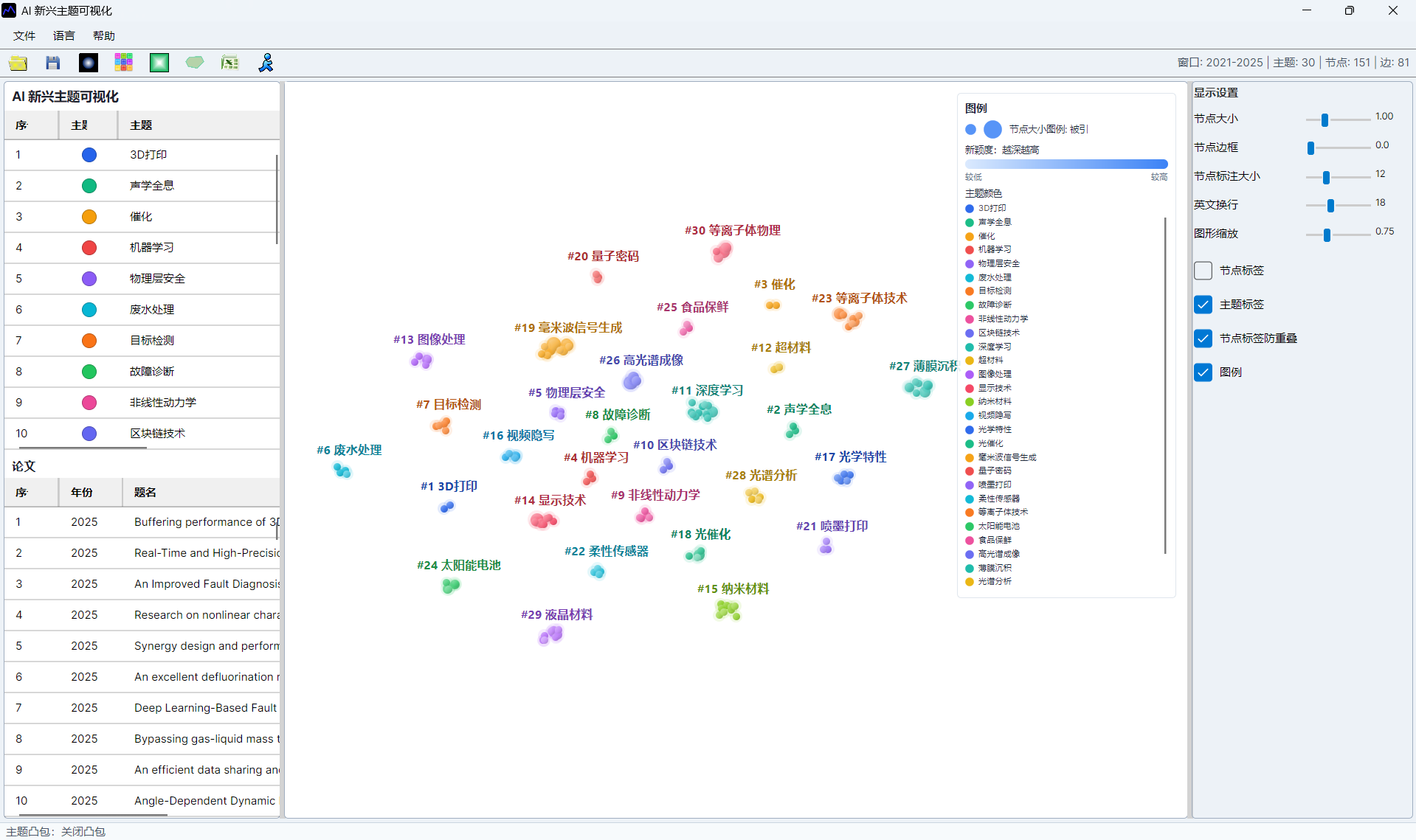
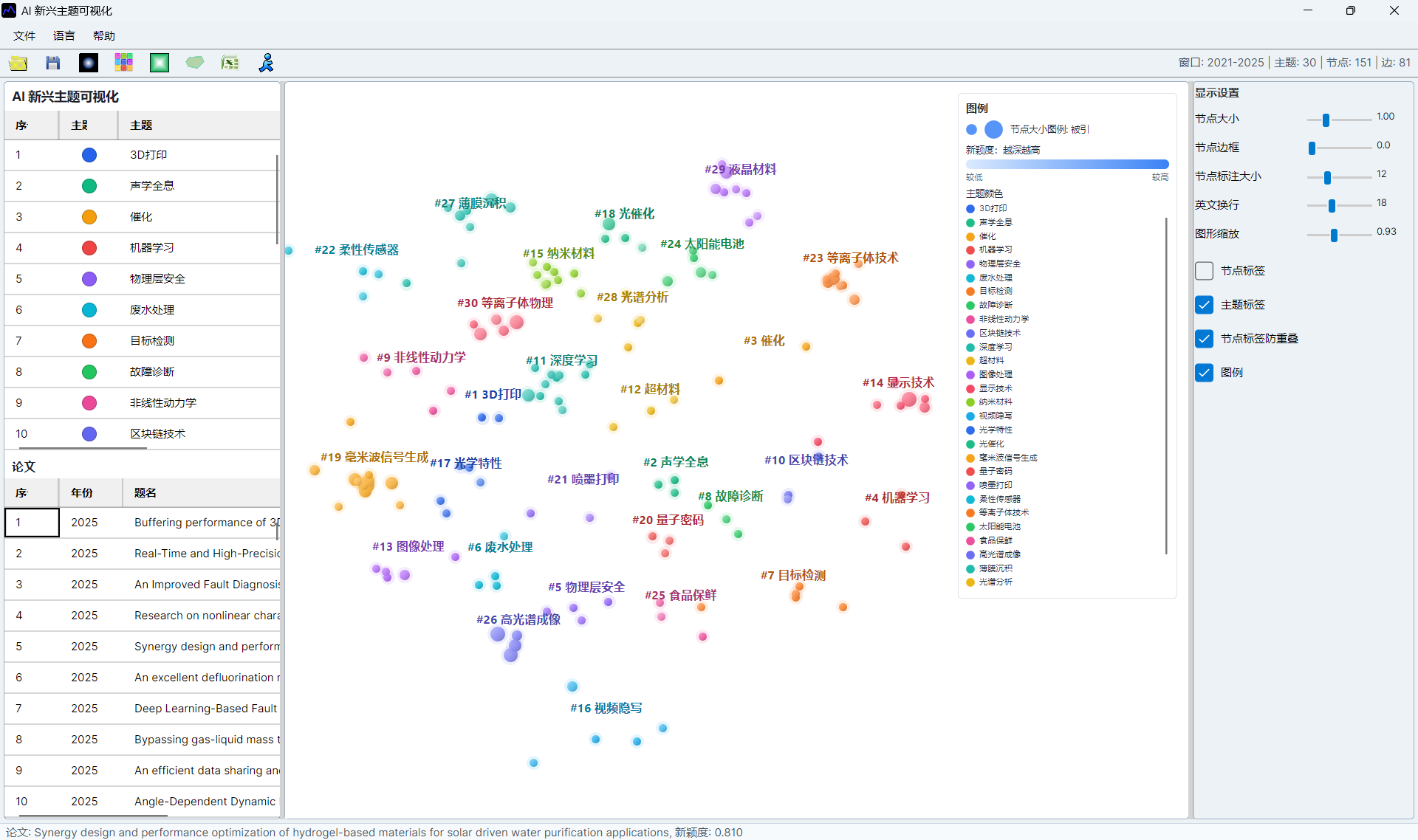
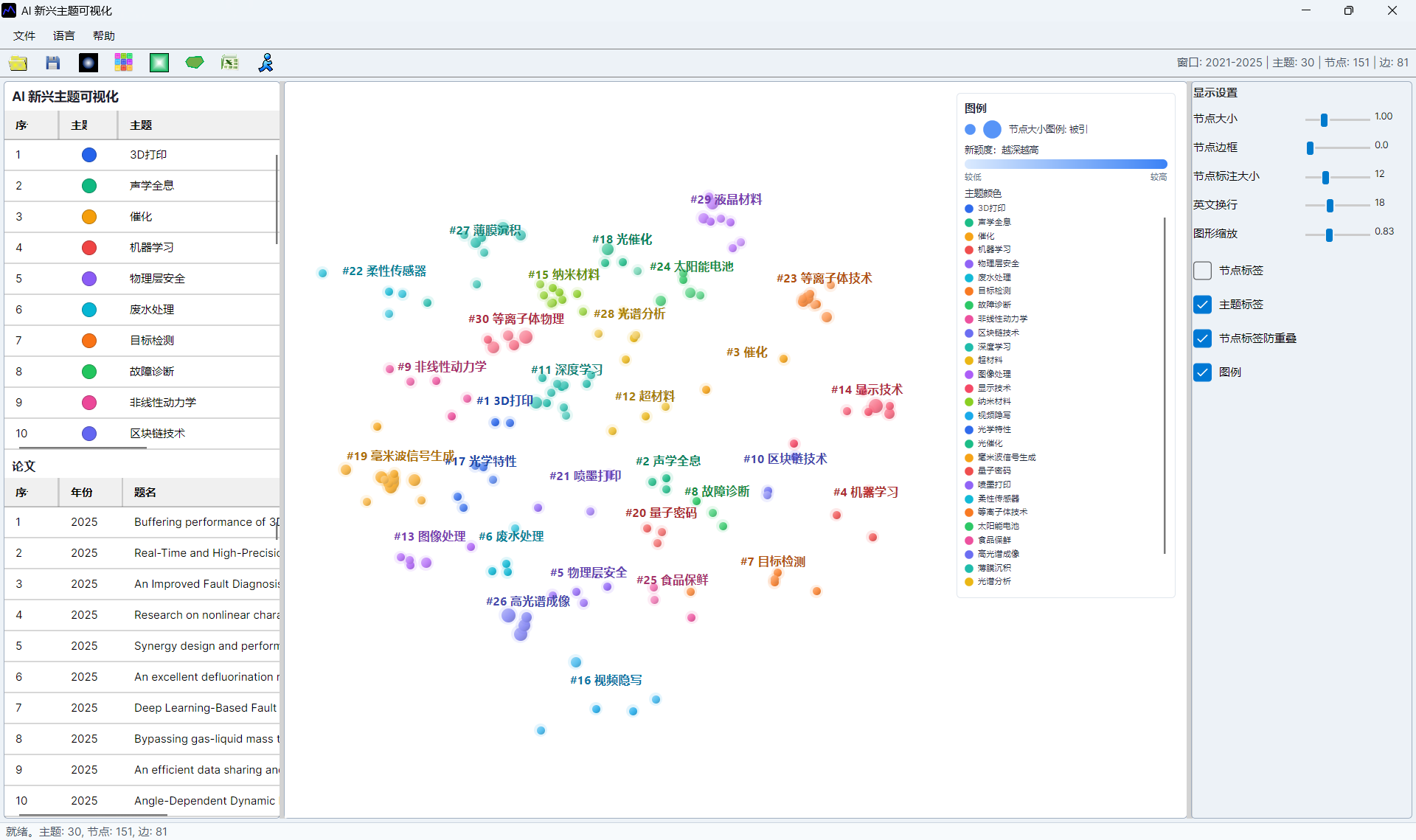
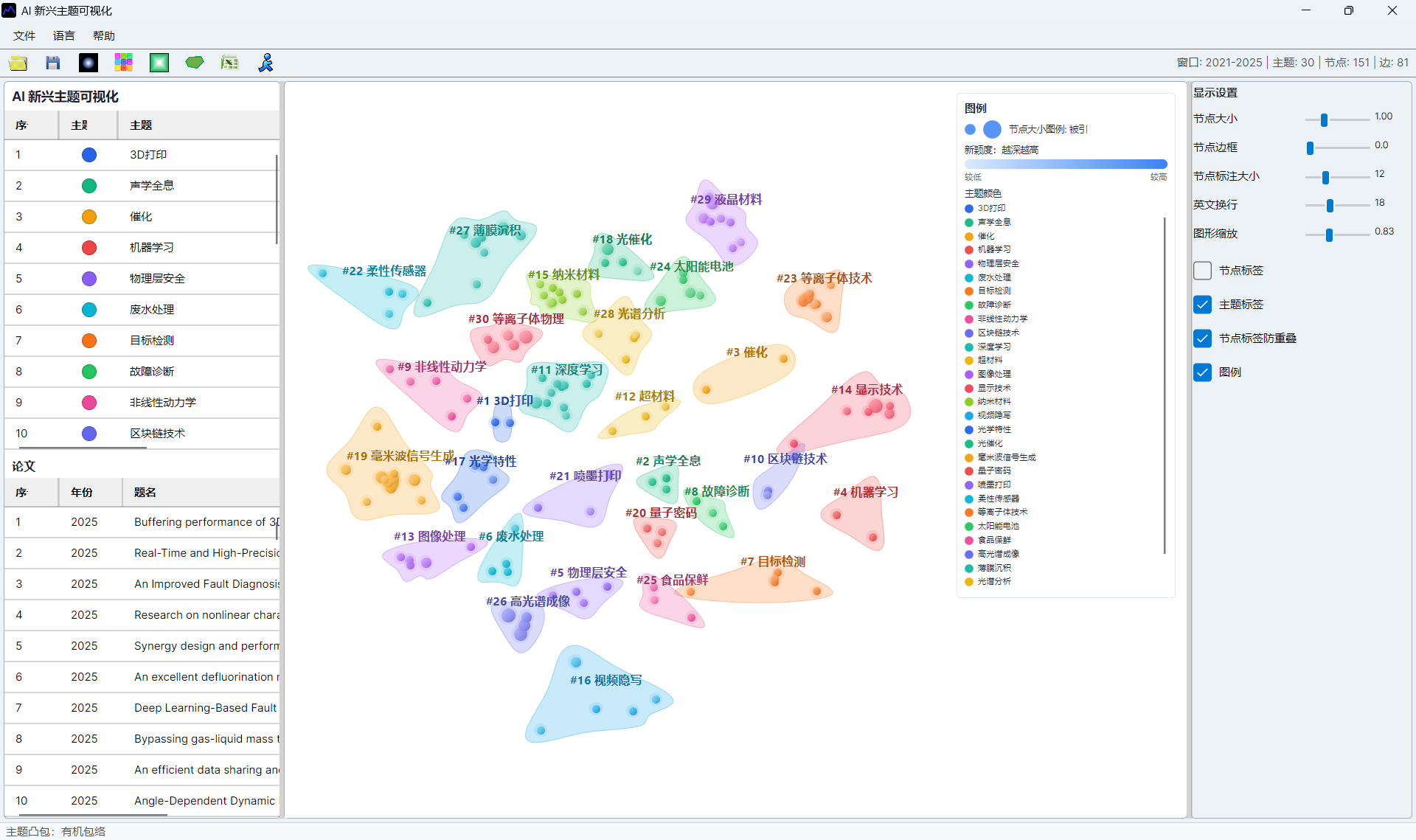
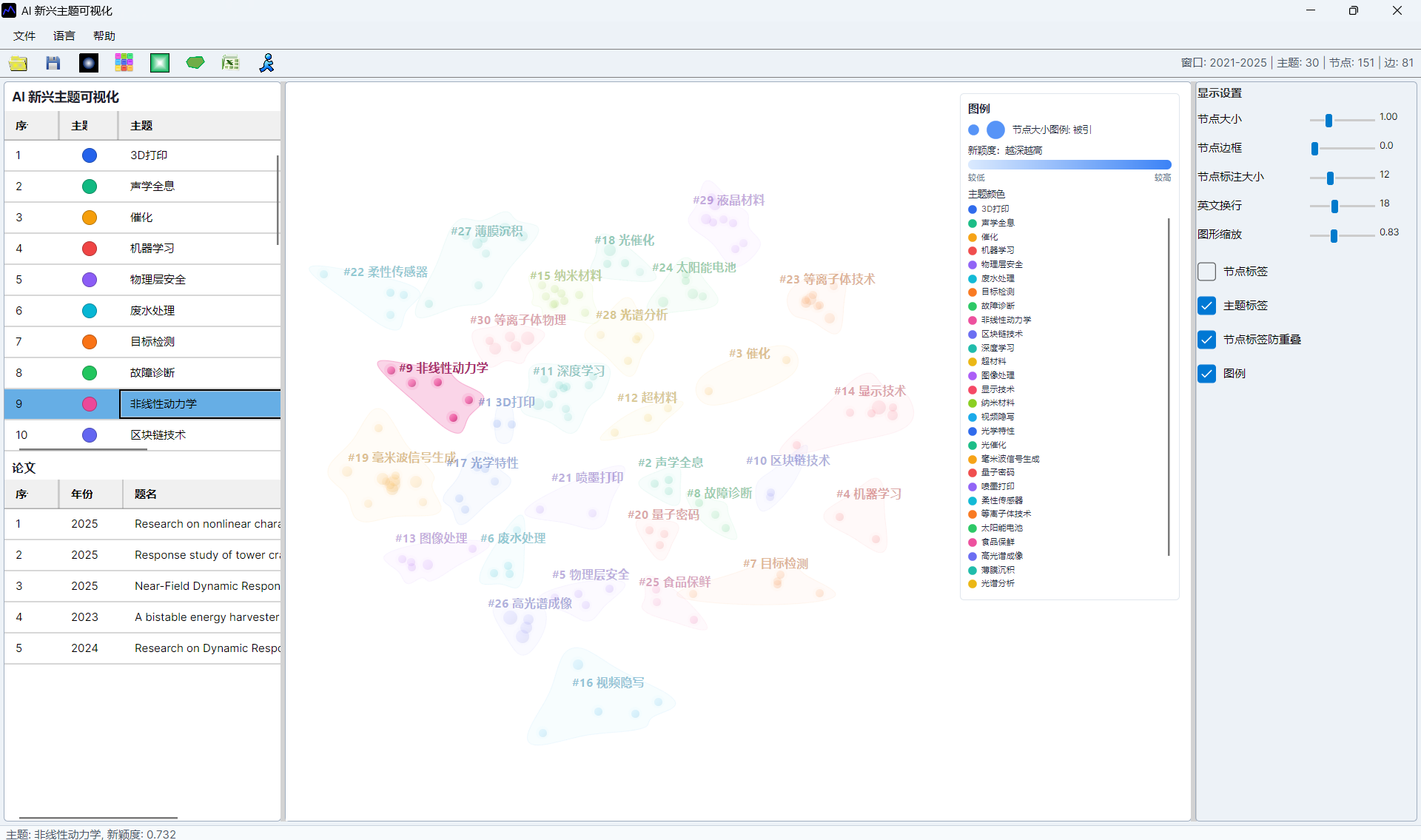
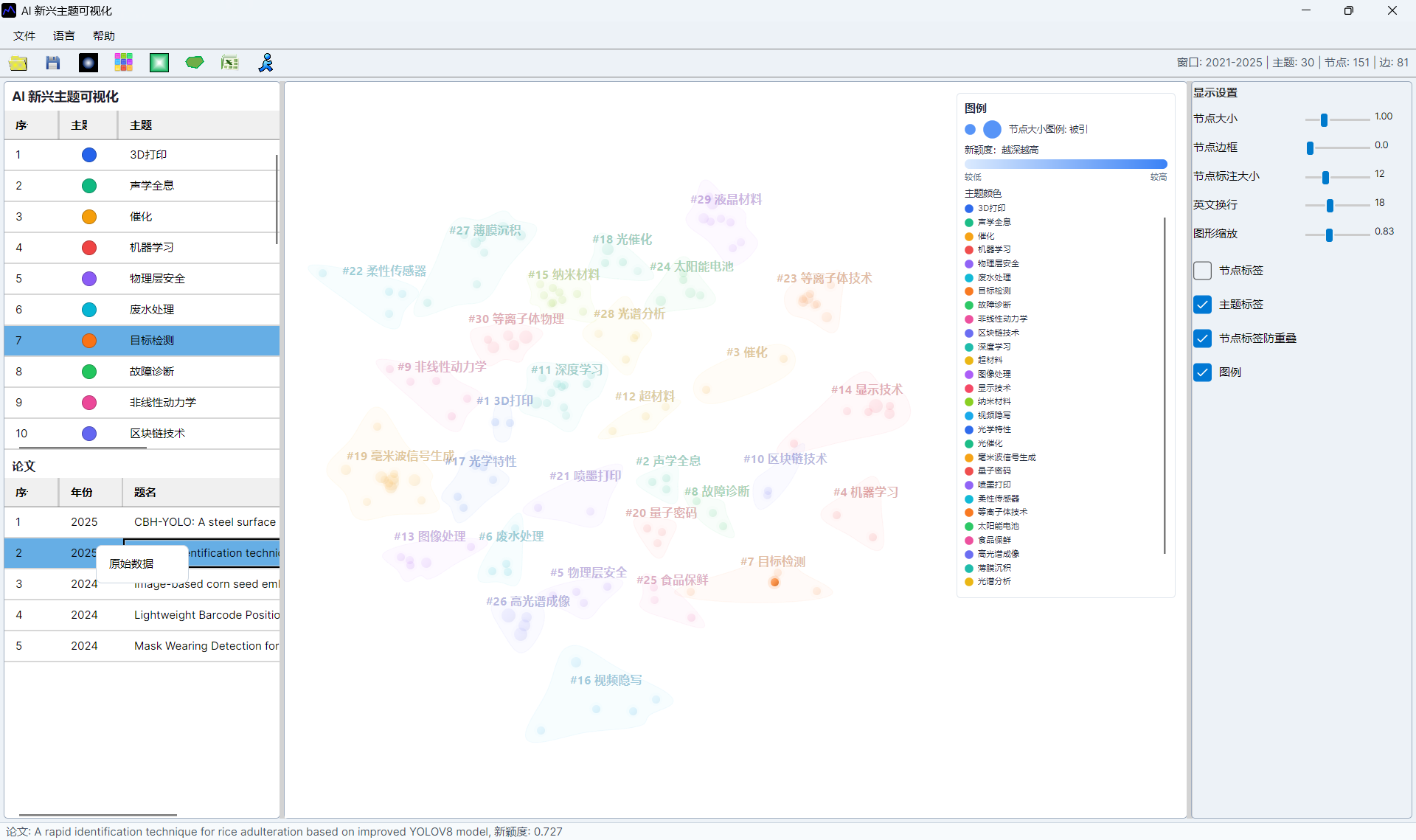
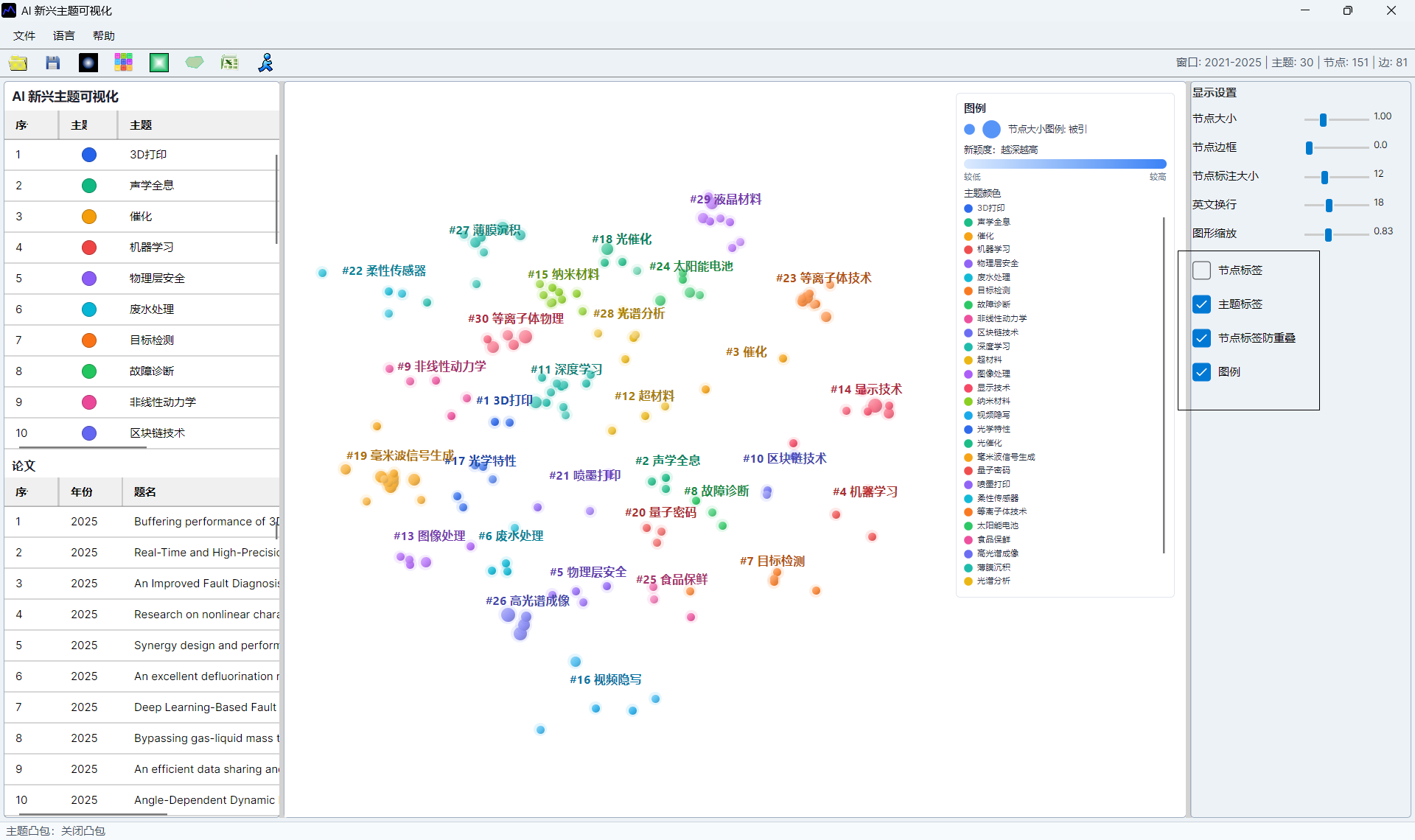
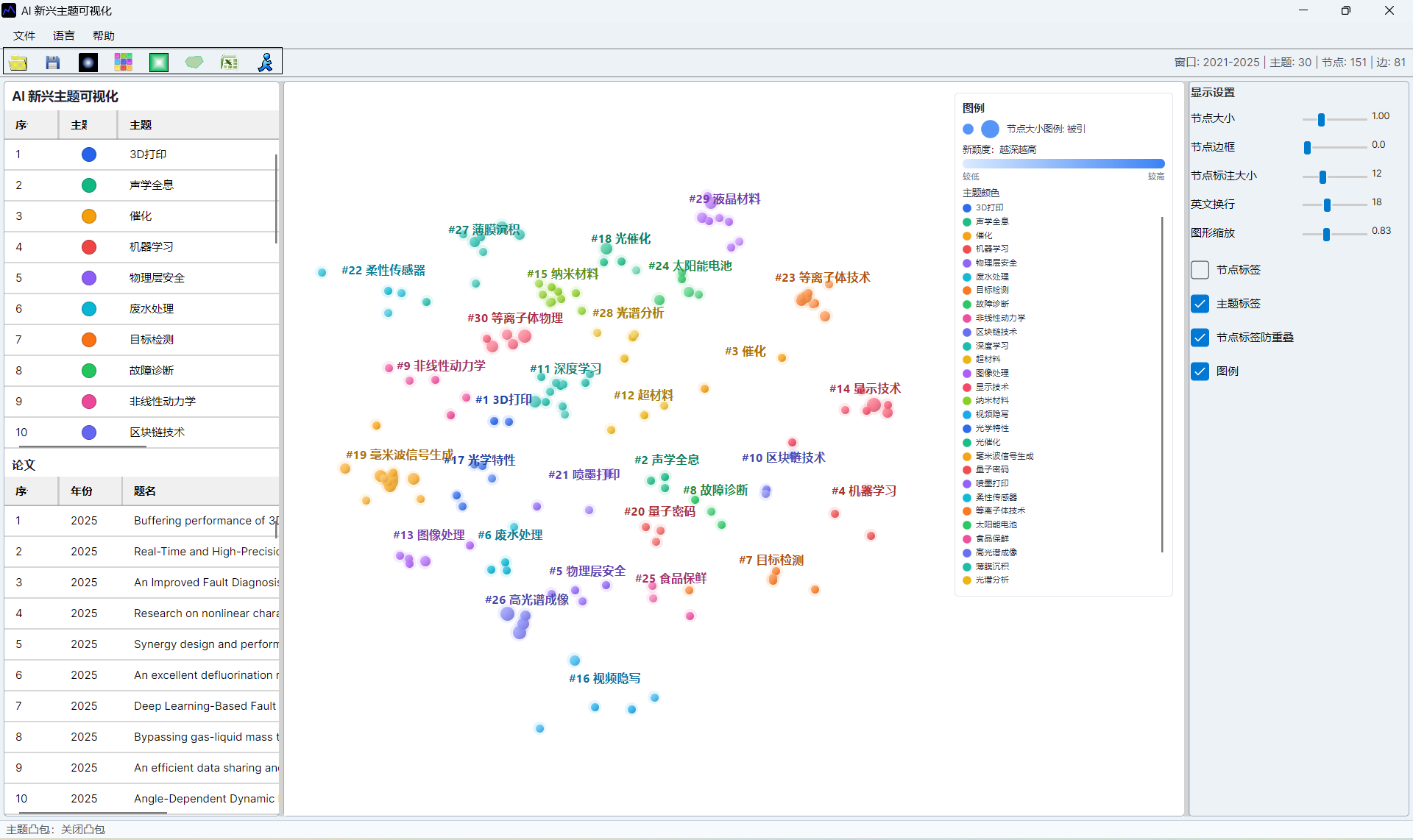
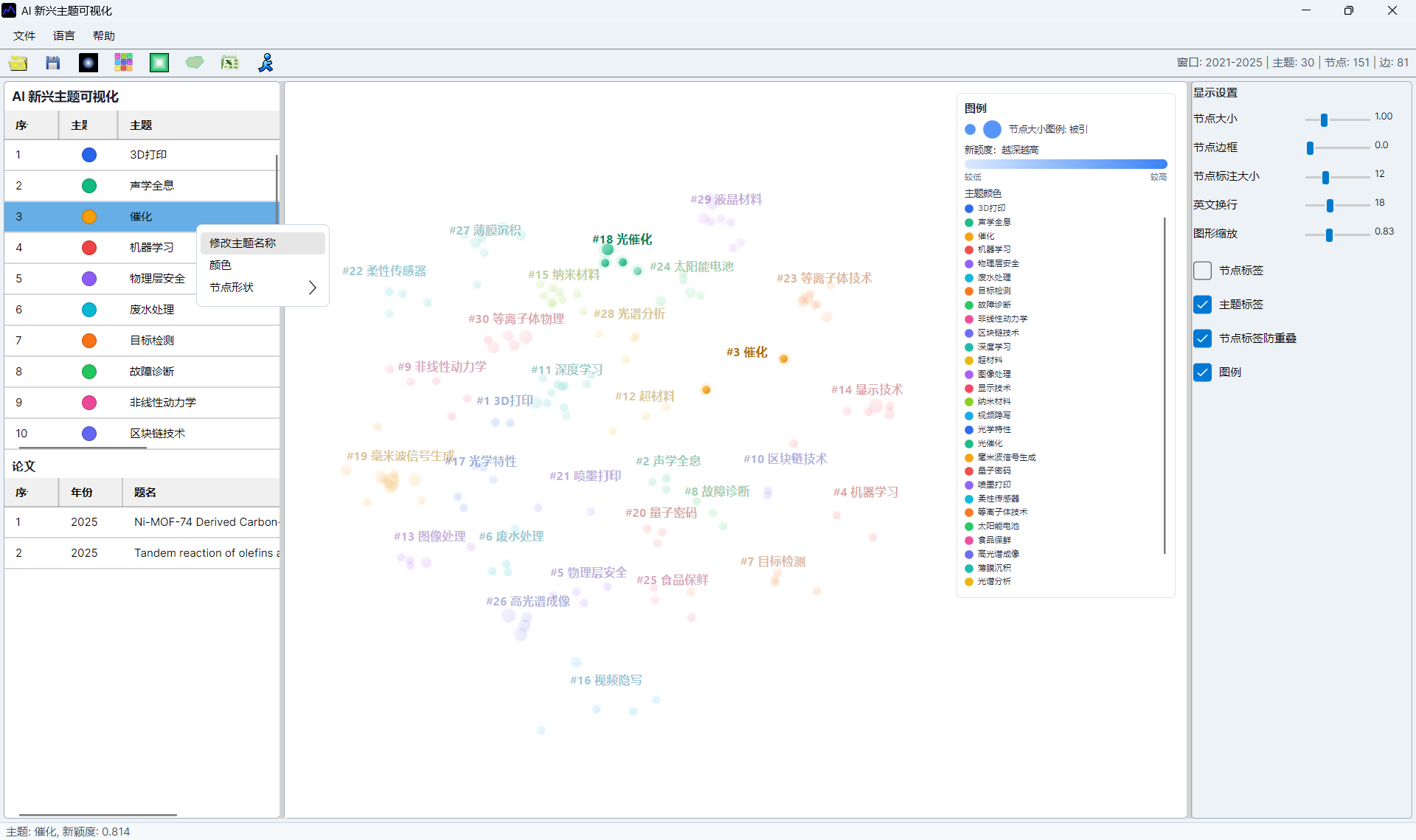
Each node is a paper. Node size usually represents citation impact, color intensity represents novelty, and topic labels mark the AI topic clusters. A compact cluster indicates papers that are close by relation evidence; a separated cluster may indicate a distinct research direction.
When interpreting results, combine the visual position with source papers. A visually novel cluster should be checked against titles, abstracts, years, and representative references before it is treated as a real frontier.
Topic Hulls and Two-Node Topics
Topic-hull membership comes only from the AI topic labels already stored by SciMetrics. Node color and spatial distance never create new topics, and one topic is not split into spatial subtopics. Starting from Off, the toolbar button cycles through Natural Smooth, Organic, Convex, then Off, preserving both original effects.
The right-side Minimum Topic Hull Nodes setting defaults to 3 and accepts 2–5:
2: two same-topic nodes at different positions form a round-ended capsule; a single node still has no hull.3(default): a topic needs at least three nodes, so two-node topics are omitted.4–5: suppress small topic outlines when stronger membership evidence is preferred.
Organic hulls use boundary-constrained rounded curves, preventing tails and curve overshoot at sharp or uneven corners. Padding grows from the largest rendered node radius, node scaling, and zoom, so large nodes are not clipped by a fixed padding ceiling. Fill retains the topic color and the border uses a slightly darker shade. On-screen rendering and SVG export use the same boundary points and styles.
MCP and Automation API Control
Users who do not know APIs can ask WorkBuddy or Codex directly:
Use the scim MCP on the currently open AI Emerging Topic distribution.
Set topic hulls to Organic and minimum topic hull nodes to 2. Do not regroup or split topics.
Export the distribution page to D:\Research\Output\ai-emerging-hulls.svg and verify that the file exists.
The model should call visual.set_ai_topic_visual_options. In cycle order, topicHullMode accepts none, natural, organic, or convex, corresponding to Off, Natural Smooth, Organic, and Convex. topicHullMinNodeCount accepts 2–5:
{
  "command": "visual.set_ai_topic_visual_options",
  "args": {
    "view": "distribution",
    "topicHullMode": "organic",
    "topicHullMinNodeCount": 2
  }
}
Then call visual.export_ai_topic_visual_window to export SVG with the current settings. The exported hull group carries data-grouping-source="SciM.AITopic", and every hull path carries data-topic for machine verification. Direct local Automation API clients can POST the same JSON to http://127.0.0.1:37618/api/automation/command. These are Desktop visualization commands, so the target AI topic window must already be open.
Interface Screenshots
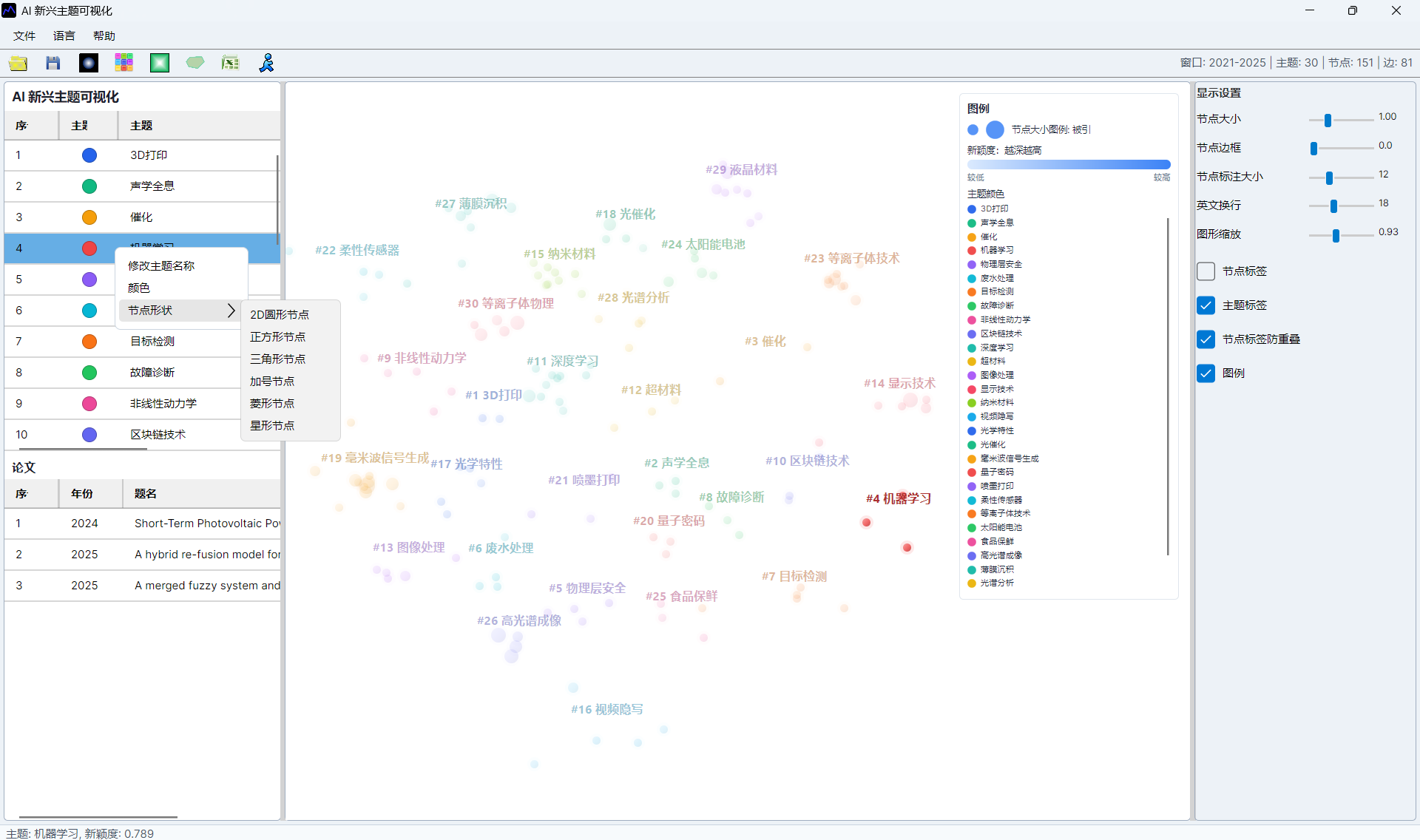
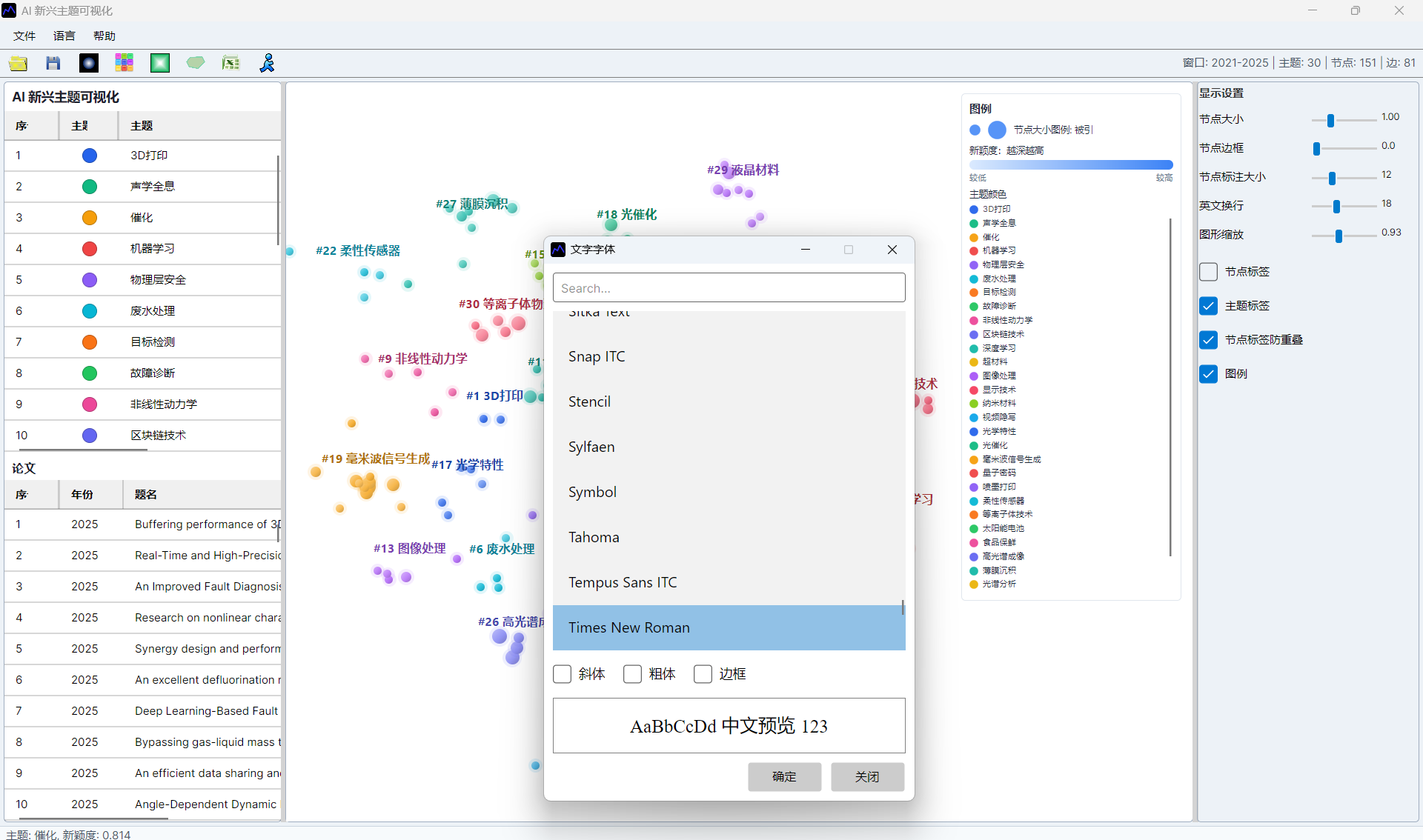
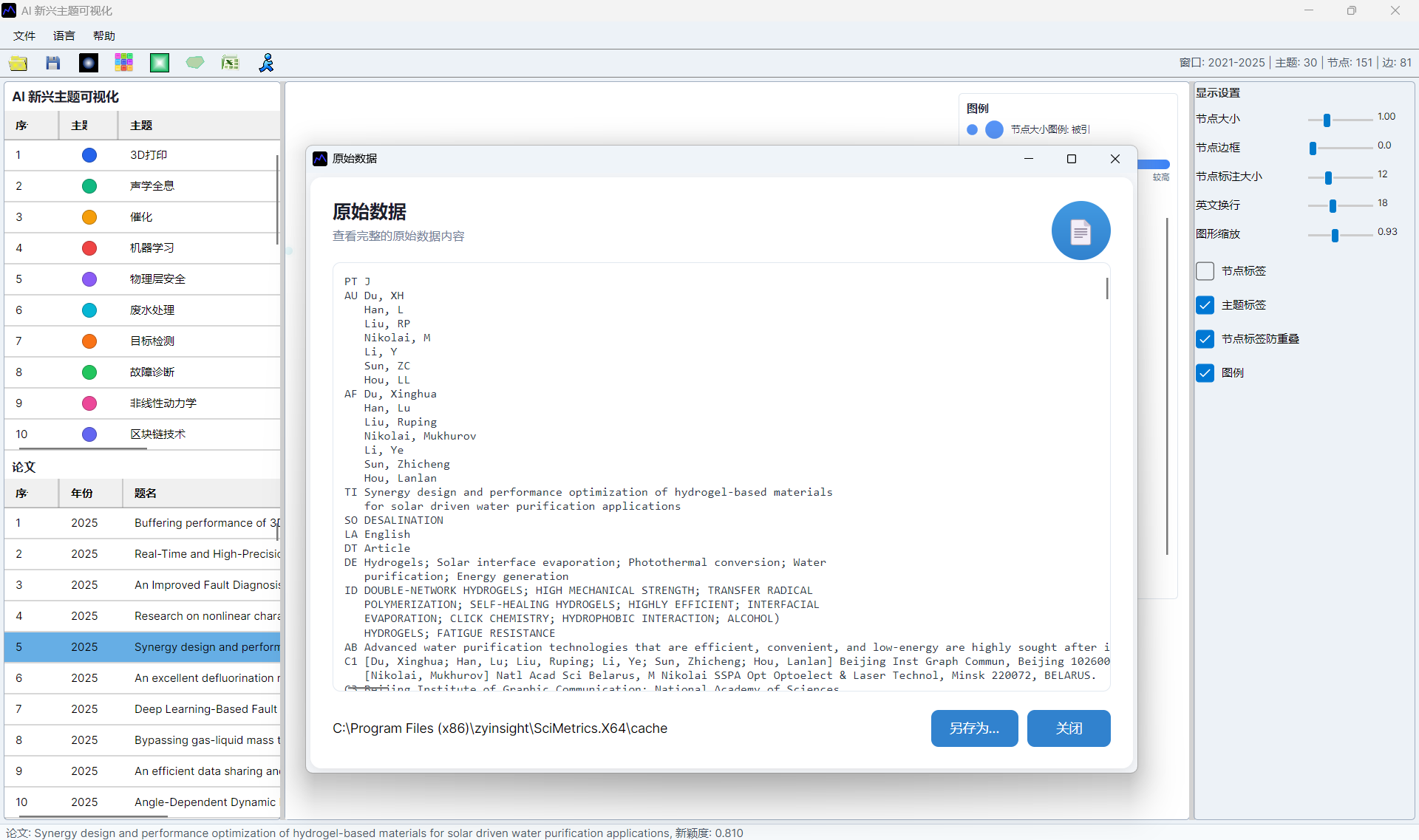
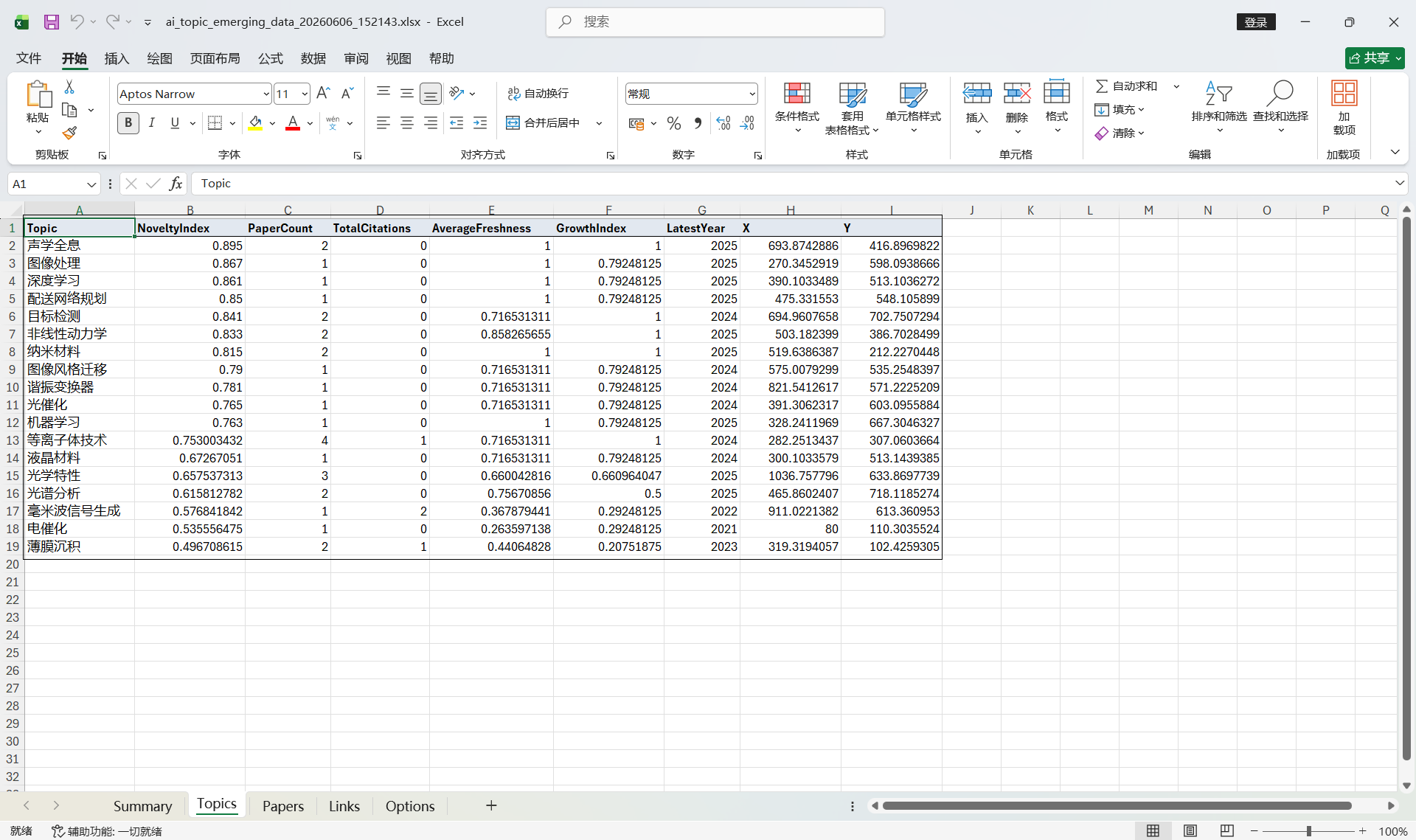
The screenshots below are retained to verify menu entries, parameter settings, result views, and export locations.